Boosting After a Big Patch: Best Time to Buy vs Wait

Every time IceFrog drops a major patch, the same question floods our support inbox: should I buy a Dota 2 boost right now, or wait for the meta to settle The concern is legitimate. A boost purchased on day one of a chaotic patch can either rocket you up faster than usual or stall hard because your booster is navigating the same draft chaos as everyone else. The difference comes down to understanding how matchmaking, hero viability, and player behaviour actually shift in the days and weeks after a patch drops.
Team Smurf has completed thousands of MMR boost orders across the 7.40, 7.41, and 7.41c cycles. The data is consistent: there are clear windows where a boost is the highest-efficiency purchase you can make all year, and equally clear windows where waiting three to ten days costs you nothing except impatience. This guide breaks down both, with specific timing advice tied to patch type, your rank bracket, and how many MMR you are trying to climb.
If you have a cart open right now, read the patch-type matrix in section two before clicking checkout. It will probably change your answer.
Table of Contents

Why Patches Change Boost Efficiency
Boost efficiency is not just a function of your booster’s individual skill. It is a product of three variables that every major patch directly disrupts: matchmaking variance, hero pick rate distributions, and the average opponent’s familiarity with the current meta. When a patch hits, all three shift simultaneously and in unpredictable directions.
Matchmaking variance increases immediately after a patch because thousands of inactive players return to try the new heroes and items. Valve’s MMR system needs several games to re-calibrate returning accounts. That means your booster will face wider skill swings per game than usual — some opponents playing far below their displayed MMR because they have been away for two months, others punching above it on fresh momentum. High variance cuts both ways, but elite boosters tend to benefit from it because they can exploit underestimating opponents more reliably than average-level players can.
Hero pick rates go chaotic immediately post-patch because every player wants to pilot the obvious S-tier addition or the newly buffed carry. Your booster’s tried-and-true hero pool may suddenly have two or three picks that are uncontested gift-wraps, or it may have none because the meta swung hard toward a playstyle they do not specialise in. This is the biggest swing factor in post-patch efficiency — which is exactly why the patch-type matrix matters so much.
How Patch Size Affects the Calculation
Dota 2 patches are not all created equal. A 7.41a balance pass that adjusts ten heroes by 2-4% is completely different from a 7.41c that reworks the neutral creep spawn mechanic, introduces a new item, and overhauls three underplayed heroes simultaneously. The bigger the patch, the longer the volatility window, and the more your timing decision matters.
Small patches — typically sub-point releases like 7.41a or 7.41b — usually resolve within 48-72 hours. The meta does not fundamentally change; players adapt within a couple of days and boosting efficiency returns to baseline quickly. These patches almost never warrant waiting more than one day before purchasing.
Major patches — the numbered releases like 7.41, the annual New Bloom updates, or anything touching core systems like roshan timers or buyback mechanics — create volatility windows that last 7-14 days. These are the scenarios where timing your purchase correctly can meaningfully affect how fast your booster moves through games.
The MMR System Response to Patch Chaos
Valve does not reset MMR when a patch launches, but player behaviour changes enough that the MMR brackets temporarily stop reflecting true skill with their usual accuracy. Calibrated Immortal players can be destroyed by Ancient players who have found a broken combo before the pro scene has solved it. Legends can stomp Ancients if they happen to be playing the new overpowered hero before it gets picked every game. This brief window of inversion actually creates favourable conditions for boosters who adapt fastest — and Immortal-rank players almost always adapt within 72-96 hours of a patch landing.

The Patch-Type Decision Matrix
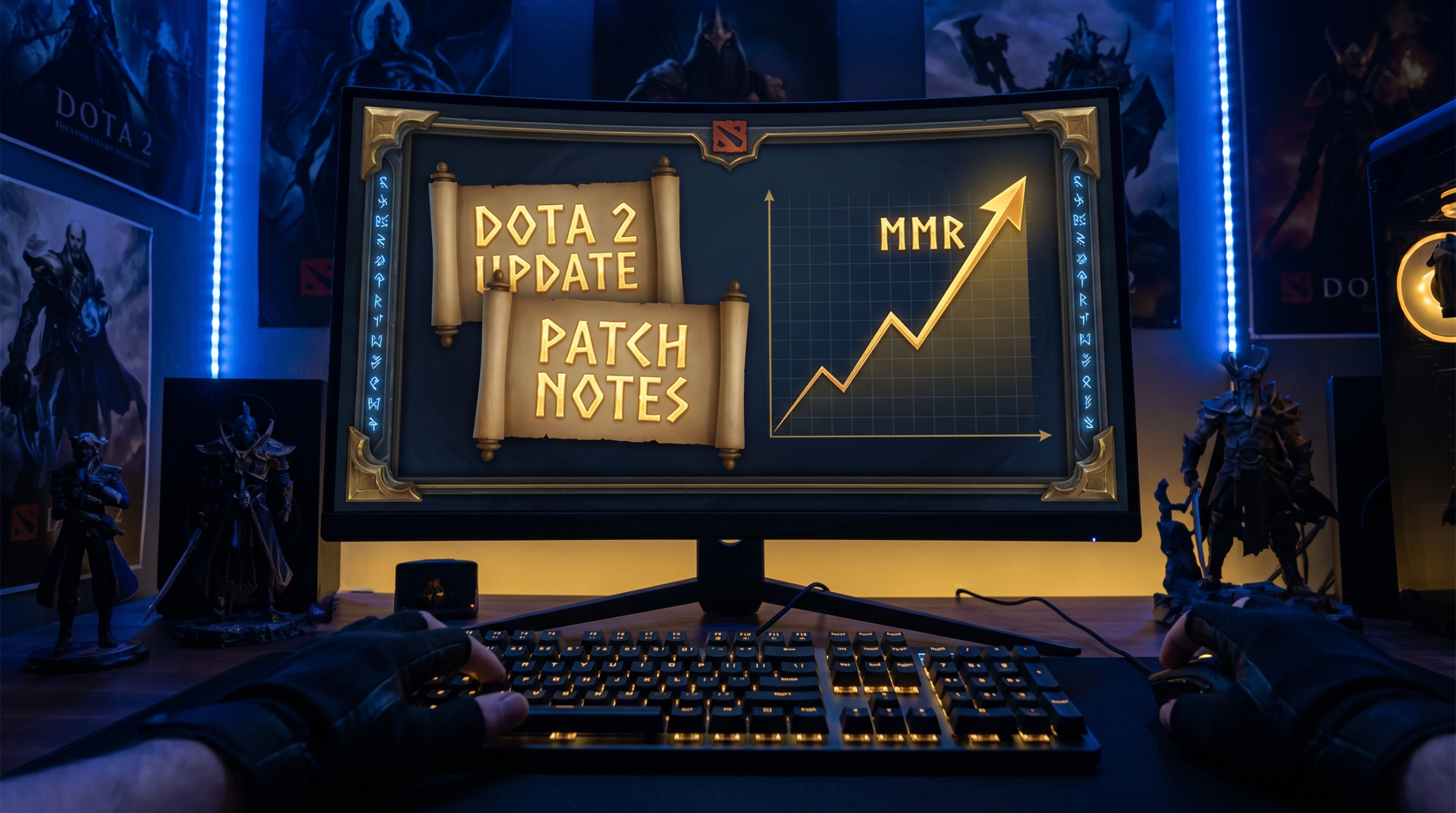
After tracking hundreds of boost orders across patch transitions, Team Smurf identified four distinct patch scenarios that require different purchasing strategies. Match your patch to the right quadrant before deciding.
| Patch Type | Examples | Volatility Window | Best Buy Timing | Worst Buy Timing |
|---|---|---|---|---|
| Minor balance pass | 7.41a, 7.41b | 24-48 hours | Any time | Day 1 if large role changes |
| Major rebalance | 7.41c, 7.40b | 5-10 days | Days 4-14 | Days 1-3 |
| Major content patch | 7.41, 7.40 | 10-20 days | Days 7-21 | Days 1-6 |
| System overhaul | New map, new mechanics | 21-30 days | Days 14-35 | Days 1-13 |
The “worst buy timing” window does not mean your boost will fail. It means the expected games-per-rank increase will be 10-25% higher than normal because your booster needs extra time to solve each draft and game state. A boost that typically takes 12 games to push 500 MMR might take 14-16 games in the first three days of a major content patch. That is not a catastrophe, but it is a reason to wait if you have flexibility.
Reading the Patch Notes to Predict Efficiency
You do not need to be an Immortal player to identify efficiency-impacting patch changes. Look for three specific things when patch notes drop. First, check whether any hero in the S-tier gets gutted or any D-tier hero gets massive buffs. This reshapes the entire draft landscape for 1-2 weeks while players discover new optimal picks. Second, look for item cost changes — anything that shifts core item timing by more than 30 seconds ripples through every carry’s laning phase. Third, check for map or bounty changes. Neutral gold, rune locations, and shrine timers affect how quickly boosters can snowball games, which directly affects games-per-rank.
The Golden Window: Days 4 to 14
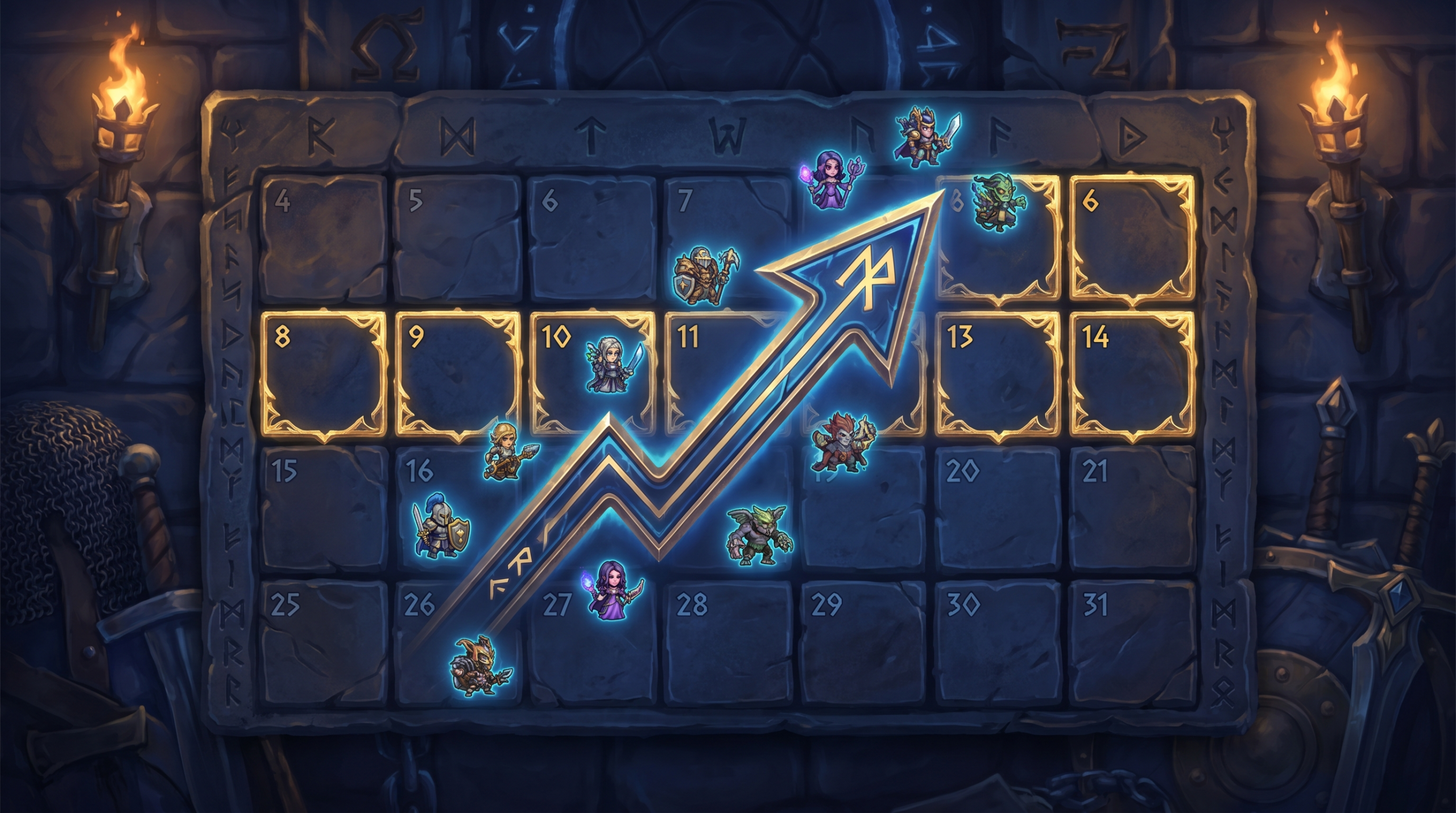
This is the single most important concept in post-patch boosting timing: the golden window that opens roughly four days after a major patch and remains optimal for approximately ten days. During this window, the meta has settled enough that elite players have identified the strongest picks and learned the new timings, but rank brackets below Divine are still figuring everything out. That asymmetry is enormously valuable for a booster operating at Immortal level in your account’s bracket.
Here is what is happening inside the game during the golden window. The boosted account’s opponents — typically Crusader through Legend players — are still experimenting with builds they read about in patch notes but have not yet mastered. They are dying to item combinations that were not viable last week. They are contesting objectives at wrong timings. They are first-picking heroes that are broken in theory but require 20+ games to pilot well. Your Immortal booster already has those 20+ games on the new meta — from their own ranked queue — and can exploit every one of those errors consistently.
Why Day 4 Specifically
The first 72 hours after a major patch are uniquely chaotic even for Immortal players. The highest-MMR boosters spend those 72 hours running games on their own accounts to solve the new meta, not grinding client accounts. By day 4, most elite players have a clear internal hierarchy of hero priorities, optimal first-item rushes, and laning adjustments. Your booster can walk into a game with conviction instead of experimentation, and conviction wins games faster.
The Day 14 Cliff
After day 14 of a major patch, efficiency begins to decline slightly — but for a different reason than the early chaos. By this point, the enemy team has also started playing the patch correctly. The skill gap between your booster and the average opponent at your bracket does not change, but the opponents’ mistakes become more expensive to punish because they are making them less often. The golden window closes gradually rather than all at once; days 15-21 are still fine, just slightly less optimal than the peak window.
When You Should Actually Wait
Despite everything above, there are specific scenarios where waiting is clearly the right move. Understanding these prevents buyer’s remorse and gives you a more predictable result.
Scenario 1: A Tournament Just Changed Everything
International and Major tournaments often cause immediate post-event meta shifts that happen independently of patches. When pro players demonstrate a dominant strategy — a specific carry-support pairing, a new draft pattern, an unusual item build — that strategy filters down into ranked play within 48 hours. If a major tournament just ended within the last two days, the ranked queue will be flooded with players copying pro strategies before they understand the prerequisites for those strategies to work. That creates unusual volatility. Wait 3-4 days after any major tournament conclusion before buying.
Scenario 2: Your Bracket Is in Seasonal Recalibration
Valve periodically resets MMR across certain brackets or runs recalibration seasons. During these windows, the MMR numbers on accounts are unstable and the system’s matchmaking confidence is lower. Boost orders during calibration seasons have historically needed more games to achieve the same MMR delta, because the system is moving players in larger increments both directions. Check whether Valve has announced a calibration season before purchasing a large boost.
Scenario 3: Your Target Rank Just Became the Current Server Meta Cutoff
Every season, specific MMR brackets develop sharp quality cliffs — points where the average game quality increases noticeably. These cliffs shift when patches hit. If you are boosting into a bracket that is currently experiencing a cliff, games will be harder per MMR point than at any other time. Boosters know these cliffs and will warn you if your target rank is in one during their own assessment.
Patch Timing by Rank Bracket
The optimal buy window is not the same across all MMR ranges. The patch volatility effect is more pronounced at higher brackets because opponents there adapt faster. Here is how to calibrate your decision based on your current rank.
| Your Rank | Opponent Adaptation Speed | Recommended Wait After Major Patch | Notes |
|---|---|---|---|
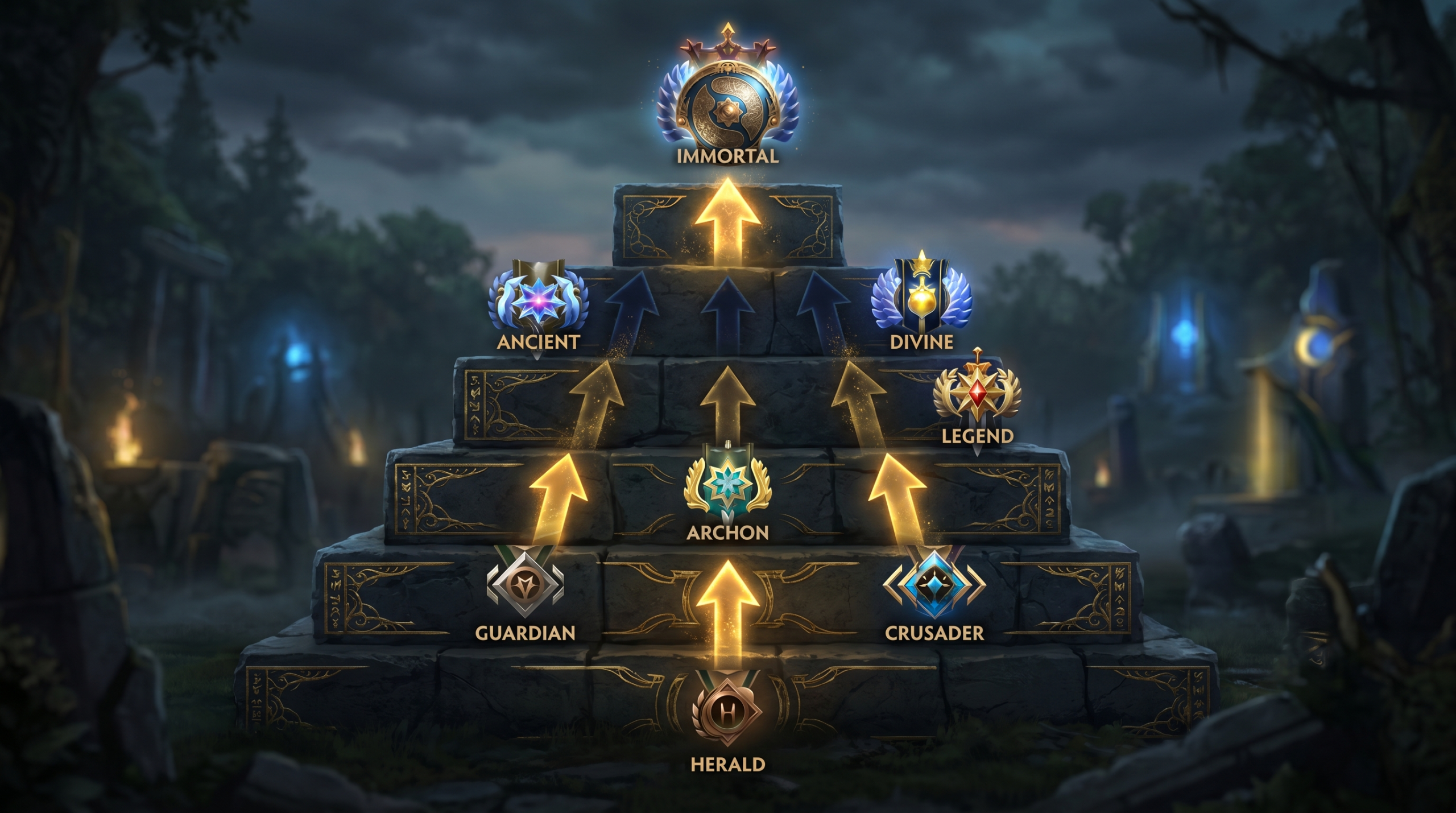
| Herald — Crusader | Very slow (7-14 days) | 0-2 days | Opponents rarely adapt; boost anytime |
| Archon — Legend | Moderate (5-10 days) | 2-4 days | Sweet spot for post-patch boosting |
| Ancient | Fast (3-6 days) | 3-5 days | Meta stabilises quickly here |
| Divine | Very fast (2-4 days) | 4-6 days | Higher opponent quality means less margin |
| Immortal | Immediate | 6-10 days | Only for high-MMR calibration orders |
Herald through Crusader accounts are the least patch-sensitive in terms of boost timing. Players at these ranks are not running pro-meta hero pools or optimised item builds regardless of what the patch says. Your booster will be operating with the same dominant hero pool they used pre-patch because the opposition cannot punish draft deviations anyway. Buying immediately after any patch at this bracket is almost always fine.
Ancient and Divine brackets are more sensitive because opponents are actively reading patch notes, watching pro streams, and adjusting their play within days. A booster using a hero that received heavy nerfs three days ago will face opponents who have already moved on, creating slightly tougher matchups than usual. Waiting four to six days for this range is usually optimal.
MMR Boost Length and Patch Sensitivity
Short boosts — 100 to 300 MMR — are almost entirely insensitive to patch timing. They complete so quickly that regardless of where you buy, the game count is small enough to be unaffected by the noise. The timing discussion matters most for 500 MMR and larger orders, where the game count is high enough that consistent hero pool performance becomes a real factor. If you are buying a 1000+ MMR boost that will span weeks of gameplay, the patch window you start in sets the tone for the entire order.
What Your Booster Will Do Differently Post-Patch
Understanding what happens on your booster’s end during the post-patch window helps you set realistic expectations and communicate effectively if something feels slower than expected.
Hero Pool Shifting
Every Immortal booster maintains a primary pool of 5-10 heroes they have mastered deeply, plus a secondary bench pool they can pull from. Post-patch, the primary pool may lose 1-3 heroes to nerfs while gaining 1-2 new options from buffs. The bench pool expands temporarily as boosters experiment with newly viable options. This means your boost in the first week of a major patch may see more hero variety — which is a feature, not a bug. More variety means the booster is actively finding the highest win-rate options rather than farming easy wins with stale choices.
Laning Phase Adjustment Period
When IceFrog changes laning phase parameters — starting gold, creep strength, tree positions, camp positions — even Immortal players need 5-15 games to fully recalibrate their laning mechanics. During this period, individual game quality is slightly lower than post-stabilisation, but win rates remain high because opponents at lower brackets are similarly disoriented. The booster is still winning; they are just working harder per game than usual.
Draft Preparation Changes
Your booster’s draft approach shifts dramatically after a content patch. Pre-patch, they have refined mental models for what to first-pick, what to avoid picking early, and how to answer common opponent patterns. A major patch forces them to rebuild those models in real time. Within the first 72 hours, expect draft efficiency to be lower. By day 5, your booster will have updated their entire pick logic based on live data from their own ranked games, and you will see clean, decisive drafts that exploit the current meta rather than the old one.
Common Post-Patch Boosting Pitfalls
Even with good timing instincts, there are specific mistakes that new buyers make post-patch that cost them efficiency, money, or both.
Pitfall 1: Buying on Hype Rather Than Analysis
A new hero drops or a previously mediocre hero gets a massive buff and the community explodes with excitement. Players rush to buy boosts thinking “get me there before everyone learns to play X.” This is backward reasoning. If everyone is rushing to play the new hero, your booster will face it in every game — which means they need to know how to beat it, not just play it. The best boosts happen when the meta is legible, not when it is a circus. Buy after the dust settles, not into it.
Pitfall 2: Expecting Pre-Patch Speed on Day 1
If your previous boost order completed at a rate of 40 MMR per day and you immediately rebuy on patch launch day, do not expect that same pace for the first 3-5 days. Post-patch games run longer (teams are less efficient at closing), drafts take more mental energy, and individual game outcomes have higher variance. The pace will catch up and often exceed pre-patch rates once the meta stabilises — but measuring performance against the first 48 hours of a new patch is an unfair comparison.
Pitfall 3: Choosing a Cheap Service Post-Patch
Post-patch periods are exactly when the quality gap between premium and budget boosting services shows most visibly. Budget services use lower-ranked boosters with smaller hero pools. When a patch disrupts their narrow comfort zone, their win rates drop and orders stall. Premium services like Team Smurf use Immortal players with broad hero knowledge and the ability to adapt within 24-48 hours. If you are going to buy during a volatile period, buy from a service with demonstrated Immortal-rank boosters — not a discount provider running Divine players on thin margins. Check out our MMR boost service to see how our Immortal team approaches post-patch orders.
Pitfall 4: Ignoring Server Region in Patch Context
The meta adaptation speed varies significantly by server region. Southeast Asia and China servers adapt to patches fastest because pro-player density is highest and information spreads through Dota communities very quickly. EU and US servers typically lag 2-3 days behind in meta adoption. If your account is on SEA or CN servers, add one to two days to every timing recommendation in this guide. If you are on USE or EUW, you can shave one day off.
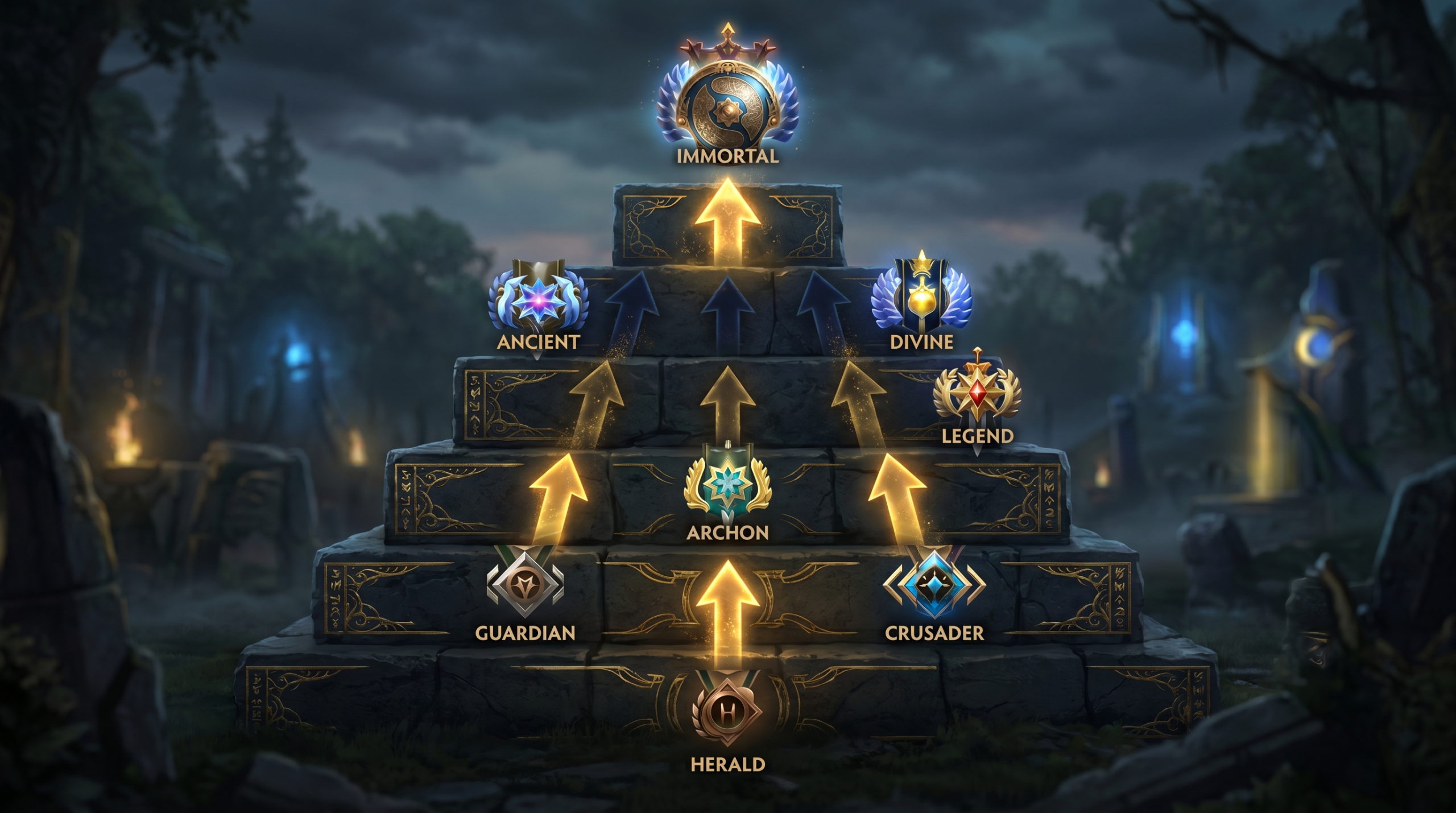
Advanced Timing: Combining Patch Windows with Seasonal Events
The most sophisticated boosting buyers layer patch timing with Valve’s seasonal event calendar. Ranked matchmaking quality is not constant throughout the year — it shifts significantly during the International season, during school exam periods, and during regional holiday windows.
International Season Overlap
The International typically falls in September, preceded by a Major in June-August. During the weeks leading up to these events, the highest-MMR players in each region shift their focus toward competitive practice rather than ranked grinding. This paradoxically reduces the average opponent quality in Divine and Immortal brackets, which improves boost efficiency for accounts targeting those ranges. Combining this window with a stable patch (weeks 3-4 post-patch) creates the highest-efficiency boosting conditions of the year.
Post-TI Reset Window
Valve often pushes a significant patch immediately after The International, resetting the seasonal rank leaderboard and sometimes adjusting the MMR system. This combination of seasonal reset plus a major content patch creates a two-to-three week window of above-average variance. For most buyers, waiting 10-14 days into this combined window before purchasing produces the cleanest boost experience of the year — when the patch has stabilised, seasonal MMR has reshuffled, and Valve’s system is operating with high confidence ratings.
How to Track These Windows Without Being an Expert
You do not need to follow pro Dota esports to time your purchase correctly. Team Smurf publishes a patch timing guide on its website each time IceFrog releases a significant update. You can also check our coaching service if you want a one-hour session with one of our Immortal coaches to discuss your specific situation and get a personalised recommendation on when to boost and how many MMR to target.
Calibration vs Standard Boost: Different Timing Rules
If you are buying a calibration boost rather than a standard MMR boost, the timing rules change significantly. Calibration orders are about maximising your starting MMR at the beginning of a ranked season, which means they are inherently tied to seasonal resets rather than patch cycles. The patch timing advice in this guide applies primarily to standard MMR boost orders. For calibration, the critical timing factor is getting your order in before the bracket fills with highly motivated grinders who skew your calibration matches toward harder opponents.
Talk to our team about calibration timing separately — it follows its own logic that intersects with but is not identical to standard boost patch timing.
Ready to Skip the Grind
Team Smurf’s Immortal boosters handle your MMR so you can focus on the fun parts of Dota 2. We will advise you on exactly the right time to start your order based on current patch conditions.
Get Your Boost Now Talk to Our Team