Watch Your Own Boost Live: Services That Stream Your Games

Most players who buy a boost never see what actually happens to their account. The booster logs in, plays some games, and the MMR number goes up. You trust the process without any visibility into it. That is a reasonable leap of faith for a well-reviewed service, but it is still a leap.
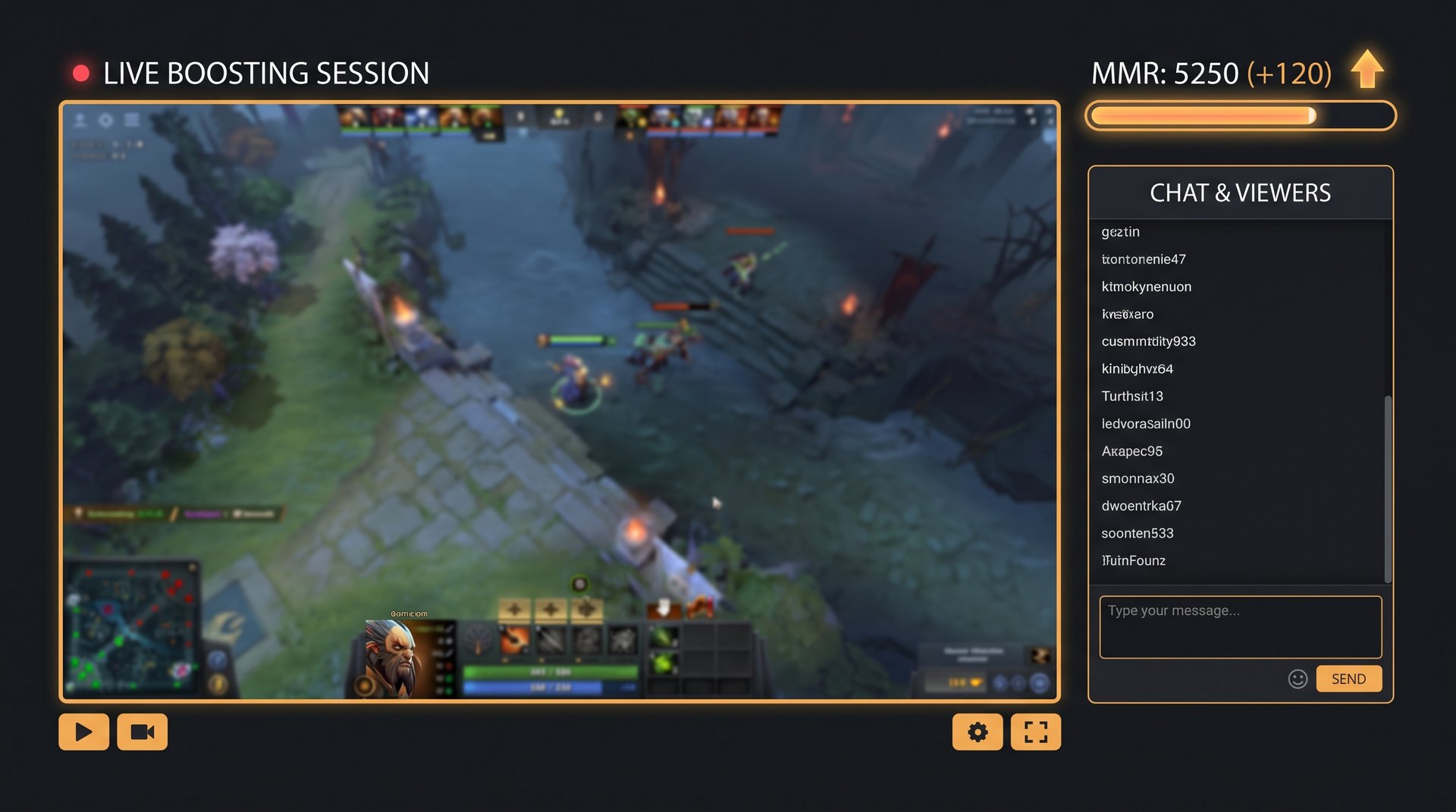
A growing number of boosting services now offer something different: live streaming. You can watch the booster play on your account in real time, through a private stream link, and see every match as it unfolds. This changes the dynamic completely — you are no longer just a customer waiting for results, you are a spectator with a front-row seat to the process.
This guide covers how live streaming works in the boosting industry, which services actually offer it, what quality to expect, and whether it is worth paying extra for. We also cover what to do with the access once you have it — because watching a high-MMR player on your account is one of the most efficient ways to study Dota 2 decision-making you will ever find.
What Live Stream Boosting Actually Means
Live stream boosting is exactly what it sounds like. When the booster starts a match on your account, they share a private stream — typically through a tool like OBS or a dedicated streaming dashboard — and send you a link to watch. You can see the hero picks, item builds, positioning decisions, and teamfight choices in real time.
The stream is usually private or unlisted. You will not find it on Twitch with your username in the title. It runs through a secured link that only you and the service can access. Some services use their own internal streaming infrastructure; others use private Twitch or YouTube links with password protection.
This is different from replay access, which some services offer after the fact. Replays are useful for review, but they are passive. A live stream lets you watch decisions as they are being made, react to them, and if the service allows it, interact with the booster through chat during or after the match.
How the Technical Side Usually Works
The booster logs into your account on their machine. They run their streaming software alongside the game. The stream runs at typically 720p or 1080p, with a small delay of 5 to 30 seconds depending on the service. You get the link via the platform dashboard or through a messaging channel like Discord.
Some services run their own internal video infrastructure, which gives them more control over latency and quality. Others rely on third-party platforms. Neither approach is inherently better — what matters is whether the stream is actually stable and reliably private.
Higher-end services also record every stream and store it for 7 to 30 days, so if you miss a session you can watch the VOD later. This recording policy is worth asking about before you buy, especially if you are getting a large order done across multiple sessions.
Why Transparency Matters When Boosting
The most obvious reason to want a stream is accountability. You can see that a real human is playing, not a script. You can confirm the booster is playing your requested role. You can verify they are not doing anything unusual with your account settings or friends list. In an industry where account security concerns are legitimate, a live stream is the most direct form of evidence that a service is operating honestly.
Beyond accountability, there is a practical upside that most buyers overlook. A high-ranked booster playing on your account in your rank bracket is solving exactly the problems you face. They are dealing with the same team compositions, the same map state, the same griefing edge cases. Watching how they handle those situations is direct, applied coaching.
There is also a psychological element. Watching your account climb on stream gives you the sense that you are part of the process rather than just a passive customer. Some players find this reduces buyer anxiety significantly, especially for larger orders where the boost takes several days.
What You Can Actually Learn
Most players who buy a boost and do not watch the stream leave value on the table. They get the MMR number but not the knowledge of why that number is achievable. A high-MMR booster is demonstrating — through every match — which habits and decisions separate their rank from yours. Watching those decisions in real time builds pattern recognition that static guides and highlight clips cannot replicate.
The gap between a 2,000 MMR player and a 4,000 MMR player is not mechanical skill in most cases. It is decision-making density — the number of correct decisions per minute, from lane phase through the late game. A stream lets you observe that density directly. You are not watching a streamer playing at peak performance for entertainment. You are watching someone navigate your specific bracket with the competence of a much higher rank. That specificity is the educational value.
Services That Stream Your Games
Not every boosting service has invested in streaming infrastructure. It requires technical overhead, and it requires boosters who are comfortable being watched, which filters for higher-quality players. Here is an honest look at the current landscape based on what each service publicly advertises and what buyers have reported.
TeamSmurf
TeamSmurf offers live streaming as part of its standard service for Dota 2 MMR boosting. The stream is shared through the customer dashboard and runs through a secure private link. TeamSmurf boosters are Immortal-level players who are used to being watched — most of them have their own streaming background. Stream recordings are available for review after each session.
This is the cleanest implementation of live streaming available for Dota 2 specifically. The service focuses exclusively on Dota 2, which means the boosters are not splitting attention across multiple games and are genuinely comfortable in every bracket.
Multi-Game Platforms
Several larger multi-game boosting platforms — including BlazeBoost, ImmortalBoost, and similar services — advertise live streaming as an option. The quality is more variable here because these platforms use large rosters of boosters across many titles. Some boosters on these platforms will have solid streaming setups; others will not. Stream availability depends on which booster is assigned to your order.
For Dota 2 specifically, multi-game platforms tend to have thinner rosters of dedicated Dota 2 players compared to Dota-only services. You may get a strong booster with a clean stream, or you may get a competent but less specialized player. Reading reviews for the Dota 2 section of these platforms specifically — not the overall rating — matters here.
Services Without Streaming
Many older boosting services, including some well-established names, do not offer live streaming at all. This does not automatically make them bad services — some have strong reputations built on results and customer support. But it does mean you are working with less visibility. If transparency is a priority for you, this is a relevant filter when choosing a provider.
For context on how the broader market compares, the full comparison of Dota 2 boosting services covers which features each provider includes.
Comparison: Key Streaming Features by Service Type
| Feature | TeamSmurf | Multi-Game Platforms | No-Stream Services |
|---|---|---|---|
| Live stream available | Yes — standard | Yes — booster-dependent | No |
| Stream privacy | Private dashboard link | Private / varies | N/A |
| VOD recording | Yes | Varies by booster | N/A |
| Stream resolution | 1080p / 720p | 720p typical | N/A |
| Booster chat access | Yes (Discord/dashboard) | Sometimes | Sometimes |
| Dota 2 specialist boosters | Yes — Dota 2 only | Mixed roster | Varies |
| Stream delay | 5-15 sec | 10-30 sec | N/A |
What to Look for When Evaluating a Streaming Boosting Service
Not all streams are equal. Before you commit to a service that advertises live streaming, here are the questions worth asking.
Is the Stream Guaranteed or Optional?
Some services list streaming as an available option that depends on booster preference. If your booster happens to be comfortable streaming, you get a link. If not, you do not. This is meaningfully different from a service that guarantees streaming as part of the standard order. Ask directly: is live streaming guaranteed for every session, or is it subject to booster availability?
How is the Stream Secured?
A private Twitch link with no password is technically private by obscurity, not by design. Anyone with the link can watch. For most buyers this does not matter — the link is not going to be indexed or shared. But if you are a high-MMR player who values account privacy, ask whether the stream uses authentication or just link-based access.
What is the Streaming Resolution and Latency?
720p at 60fps is the minimum worth accepting for a game like Dota 2, where map readability matters. A 480p blurry stream is better than nothing for accountability purposes, but it is not useful for learning from. Ask for a sample or check community reviews for stream quality comments specifically.
Latency is less critical for accountability but matters if you want to follow along in real time. A 30-second delay is fine. A 5-minute delay means the stream is not really live in any meaningful sense.
Can You Download or Replay Recordings?
If you are ordering a multi-day boost, you probably will not be awake for every session. VOD availability means you can review what happened when you were offline. Services that auto-delete recordings immediately after each session give you no fallback if something goes wrong or if you want to review a specific match later.
Security Considerations When Sharing Your Account
Live streaming does not change the fundamental security posture of account boosting — you are still sharing your credentials with a third party. But it does add a layer of verification that can catch bad behavior early. If you see a booster doing something unexpected on stream, you can end the session immediately.
Before any boost order, review the full guide on Dota 2 boosting safety. The core practices apply whether or not you have stream access: use a dedicated email for login, enable Steam Guard 2FA where possible, change your password immediately after the boost completes, and use a service with a clear refund and dispute policy.
What the Stream Reveals
A live stream lets you confirm that the booster is playing on a VPN (which protects your account geography from Valve detection), that they are not browsing your account settings or Steam store, and that their playstyle matches what a legitimate booster would do. These are low-probability concerns with reputable services, but seeing them directly is more reassuring than taking a service’s word for it.
What the Stream Does Not Reveal
A stream does not show you the booster’s own IP address, what credentials they have saved, or what software is running on their machine. It shows you the game client. This is meaningful but not exhaustive. Treat streaming as evidence of transparency on the gameplay layer, not a complete security audit of the booster’s machine.
Learning While You Watch: Getting More Than Just MMR
The buyers who get the most value out of stream access are the ones who treat it as coaching time, not just a waiting room. Here is how to make the most of watching a high-MMR booster on your account.
Watch Your Main Role First
If your main is a position 4 support, ask the booster to play that role or watch the games where they are in a position you understand. Watching a carry player you never play gives you less transferable information. The most useful sessions are when the booster’s role matches your own, so you can directly compare decisions you would have made versus what they actually did.
Focus on Timing, Not Mechanics
High-MMR players will have better mechanical execution than most viewers. That is not where the learning is — you cannot replicate a 400 APM micro sequence by watching it once. What you can learn is timing: when they buy their first big item, when they call for objectives, when they rotate instead of farming, when they concede a fight versus committing to it. These are strategic decisions that translate directly to your own games.
Note the Item Build Deviations
Boosters frequently deviate from cookie-cutter builds because they are reading the specific game state. If a booster on your mid hero skips their usual item and goes for something unusual, that is worth noting. Watch what they are responding to. This kind of contextual item building is one of the hardest things to learn from static guides.
Track the Map Movements
One of the clearest differences between average and high-MMR players is where they are on the map at any given time. High-MMR players waste very little movement. Their paths between farm spots and objectives are direct. Their rotations are timed to natural game state transitions — after Roshan spawns, after a pick-off, after a tower falls. Watching the minimap during a boost stream is one of the fastest ways to understand movement efficiency at a higher level than your bracket.
Use It Alongside Coaching
If you want structured feedback on what you learned from watching, a Dota 2 coaching session after the boost lets you debrief with a coach directly. You bring the clips or timing notes from the stream, the coach explains the reasoning, and you walk away with actionable changes for your own games. This is the highest-value combination available from boosting services that offer both products.
The MMR boosting guide covers how to get the most out of a boost order beyond just the final MMR number, including how to maintain the gains you reach once the service finishes.
How TeamSmurf Handles Live Streaming
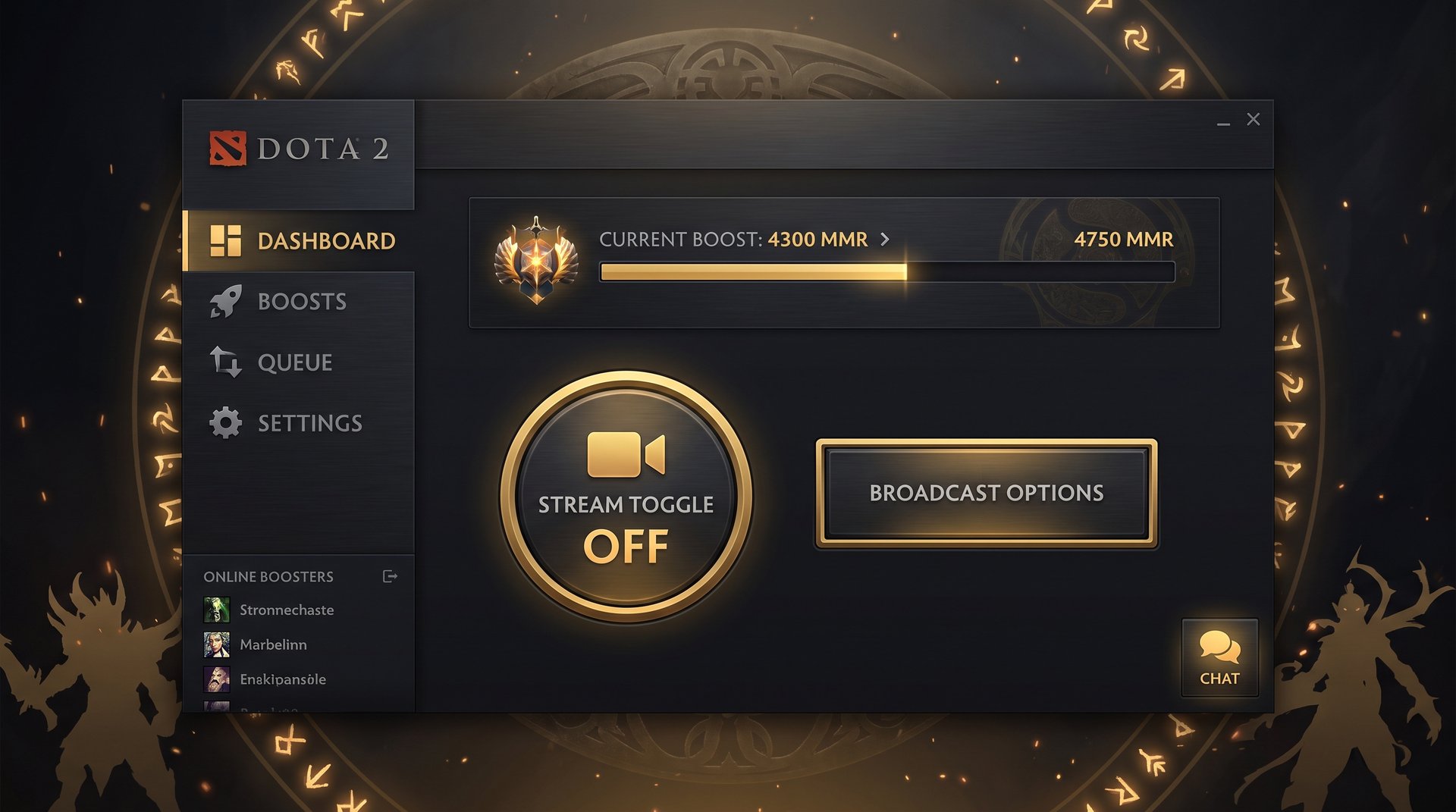
TeamSmurf built live streaming into the core order flow rather than as an add-on. When you place a Dota 2 MMR boost order, streaming is included by default. The booster assigned to your order sets up the stream before the first session and sends the link through the customer dashboard. You can watch from any device without needing additional software.
The reasons this works reliably at TeamSmurf where it is more variable elsewhere come down to roster composition. TeamSmurf uses Immortal and Divine-level players who play Dota 2 exclusively. These players have professional or near-professional backgrounds and are comfortable performing on stream — many of them stream their own ladder games independently. An Immortal booster who has been streaming Dota 2 for years has a very different relationship with being watched than a casual booster who streams reluctantly because a platform requires it.
Sessions are recorded automatically. The customer dashboard stores recordings for 14 days post-completion. If something looked off during a session, or if you want to review a specific teamfight decision, the recording is accessible without contacting support.
Booster-to-customer communication runs through Discord during active orders. If you have a question mid-session — why did you pick that item — you can ask in the order’s Discord thread and get a response, sometimes in real time if the booster checks between matches, more often within a few hours.
Frequently Asked Questions
Watch Your Boost. Learn While It Happens.
TeamSmurf includes live streaming on all MMR boost orders — Immortal-level Dota 2 specialists, private stream links, and session recordings. See every match as it happens and study the decisions that move the needle at your bracket.
Get Your Boost With Live StreamCompare Boosting Services