


Limited Steam Accounts and Dota 2: What a $5-Limited Account Can’t Do

In This Guide
You found a cheap Dota 2 account. Maybe it is a $5 listing on a marketplace, a friend’s old smurf, or a freshly created account someone is offloading. There is one thing most buyers never think to check: whether the Steam account is Limited.
A Steam Limited Account is not a ban. It is not a smurf detection flag. It is a platform-level restriction that Valve places on every account that has not spent at least $5 USD in the Steam store. Since Dota 2 is free to play, the vast majority of cheap Dota 2 accounts are Limited by default — and that restriction blocks a surprisingly long list of features you will want to use.
This guide covers exactly what a Limited Account cannot do on Steam and inside Dota 2, how those restrictions compare to Dota’s own ranked unlock system, and the single action that removes the limitation permanently.
Buying and selling Steam accounts violates the Steam Subscriber Agreement. Section 1.C states that your Account is “strictly personal” and that you “may not sell or charge others for the right to use your Account, or otherwise transfer your Account.” If a purchased account is ever recovered by the original owner or flagged by Valve, the account can be permanently terminated with no appeal path. There is no safe way around this rule — only a risk level you accept. TeamSmurf does not sell accounts; we provide Dota 2 boosting and coaching services only.
What Is a Steam Limited Account?
A Steam Limited Account is the default state for every new Steam account. Valve introduced the limitation system to reduce bot activity, scam accounts, and spam across community features. The logic is straightforward: a small financial barrier filters throwaway accounts without blocking genuine players from accessing the platform.
An account remains Limited until it has made a qualifying purchase of at least $5 USD (or the local currency equivalent) through the Steam store. That purchase can be any combination of the following:
- A game or game bundle priced at $5 or more
- DLC, expansions, or in-game items sold through the Steam store
- Steam Wallet funds of $5 or more added directly to the account
- Dota 2 in-game purchases processed through Steam (Immortal treasures, Dota Plus, etc.)
What does not count toward unlocking: redeeming a free-to-play game like Dota 2, activating a CD key purchased from a third-party retailer, receiving a gift from another player, or refunded purchases. The $5 must pass through Steam’s own payment system and remain non-refunded.
Because Dota 2 costs $0, a brand new account with 2,000 hours of Dota 2, a high behavior score, and a full calibrated MMR is still a Limited Account if zero money has ever changed hands on Steam. The game itself cannot lift the limitation — only a qualifying purchase can.
How to Tell If an Account Is Limited
You can check whether a Steam account is Limited by visiting the account’s Steam profile and looking for a badge or by checking Steam > Settings > Account in the Steam client. Limited accounts show a lock icon next to certain community features when they try to use them, or receive an error message explaining the restriction when they attempt a blocked action.
When inspecting a purchased account, the fastest check is to try accessing the Steam Community Market or opening the Friends & Chat panel and attempting to send a friend request. Both will immediately show the limitation if it exists.
Full List of Steam Limited Account Restrictions
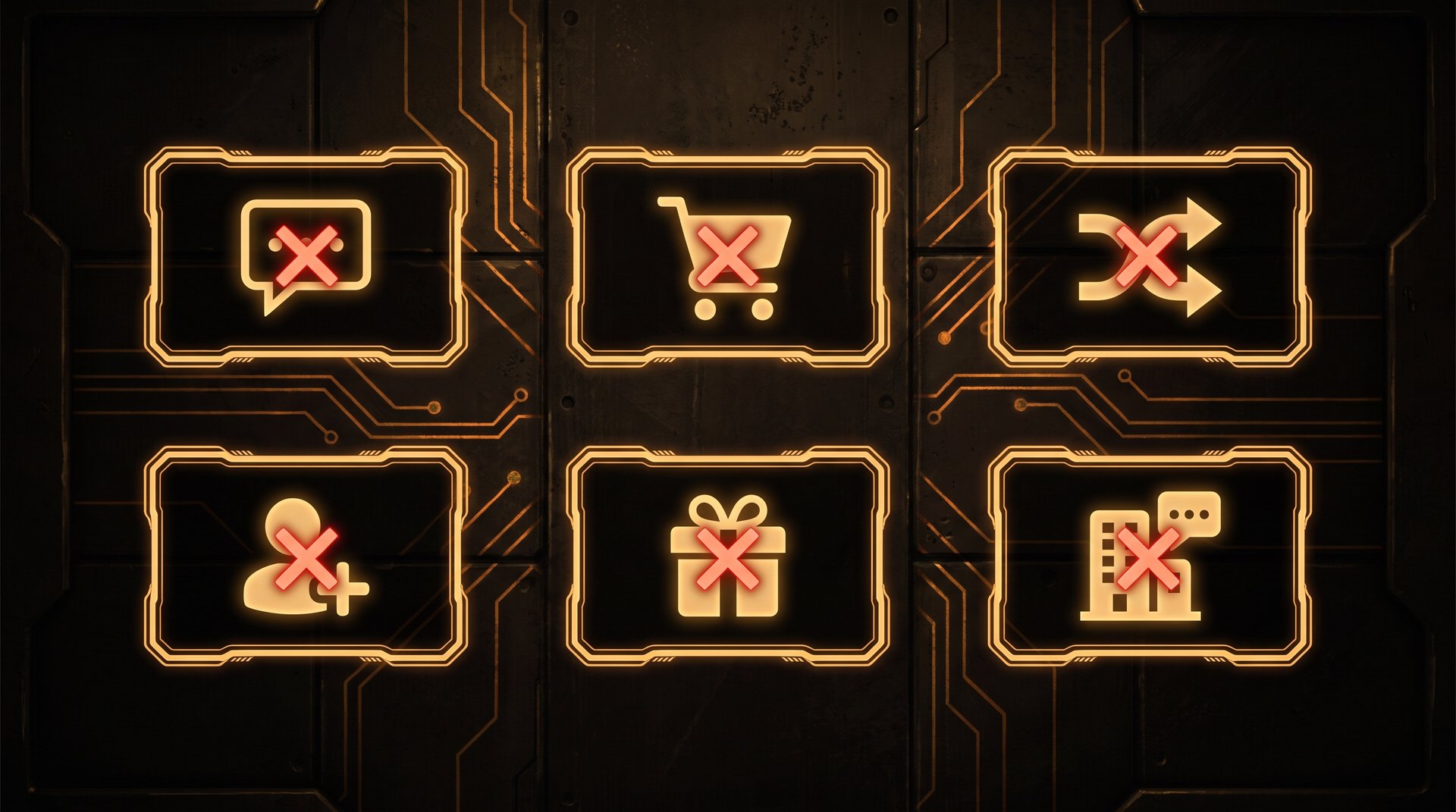
Steam documents the restrictions on its help page. The list is longer than most people expect. Every item below is blocked until a $5 qualifying purchase is made:
| Restriction | Impact Level | Dota 2 Relevance |
|---|---|---|
| Send friend requests | High | Cannot invite teammates to friends list |
| Steam Community Market (buy/sell) | High | Cannot buy or sell Dota 2 cosmetics, sets, arcanas |
| Steam Trading (send or receive trade offers) | High | Cannot trade Dota 2 items with other players |
| Post in Steam Community discussions | Medium | Cannot contribute to Dota 2 community hubs |
| Post reviews on the Steam Store | Low | Cannot leave a Dota 2 store review |
| Submit Workshop content | Low | Cannot upload custom cosmetics or maps |
| Vote on Workshop content | Low | Cannot vote on community Workshop submissions |
| Send gifts to other accounts | Medium | Cannot gift games or in-game items |
| Create or join a Steam Group | Low | Cannot create a Dota 2 clan or group on Steam |
| Post on other players’ profiles | Low | Cannot comment on teammates’ Steam profiles |
| Access certain in-game social features | High | Varies by game — Dota 2 has specific chat rules |
The most impactful restrictions for Dota 2 players are trading, the Community Market, and the social features. If you plan to build a cosmetic inventory or trade items with friends, a Limited Account makes that impossible until unlocked.
Note that being able to accept friend requests is still allowed — other players can add you, and you can confirm the request. What a Limited Account cannot do is initiate the request. This asymmetry means Limited Account holders are not completely isolated, but they are always the passive party in social connections.
How a Limited Account Affects Dota 2 Specifically
Dota 2 builds on top of Steam’s systems, so every Steam-level restriction carries over into the game. But Dota 2 also adds its own layer on top, and the interaction between the two is what catches most players off guard.
Chat and Communication
Limited Account holders face restrictions in Dota 2’s in-game chat. All Chat — the channel visible to all ten players in a match — is disabled for Limited Accounts. Team Chat remains accessible, but the restrictions reduce your ability to communicate freely with opponents, which matters less competitively but still limits the full experience.
Voice chat through Steam’s VOIP system is subject to the same platform rules. Text chat in the post-game lobby and during picks phase may also be limited depending on the current Dota 2 client version.
Item Trading and the Dota 2 Marketplace
This is where the Limited Account restriction hurts most for cosmetic collectors. Dota 2 has a thriving item economy built entirely on Steam Trading and the Steam Community Market. A Limited Account cannot:
- Send or receive trade offers for Dota 2 items (sets, couriers, arcanas, treasures)
- List items for sale on the Steam Community Market
- Purchase items from the Steam Community Market
- Accept item gifts from other players through Steam Trading
The in-game Dota 2 store and event battle pass purchases are still accessible because those go through Steam’s payment system (and actually count toward the $5 threshold). But player-to-player item transfers are completely blocked.
Behavior Score and Reporting
Limited Accounts can still receive reports and commendations from other players. The behavior score system is not directly gated behind the $5 threshold. However, because Limited Accounts have reduced communication options, they may receive more mute reports from players who assume they are bots or low-effort accounts. Maintaining a high behavior score is harder when your ability to communicate positively is constrained from the start.
If you are concerned about behavior score impact after acquiring a new account, the Dota 2 MMR boosting guide covers the relationship between behavior score, matchmaking quality, and what actually moves your rank — including which metrics Valve actually cares about.
Ranked Matchmaking and the Limited Account
Here is a key distinction that confuses almost everyone: a Steam Limited Account does not directly block Ranked matchmaking. You can queue for Ranked matches as a Limited Account holder, provided you meet Dota 2’s own ranked unlock requirements. Those requirements are handled by a completely separate system covered in the next section.
However, the chat and community restrictions mean that a Limited Account playing Ranked is operating at a social disadvantage — less able to coordinate, less able to request pauses in non-emergencies, and unable to trade the items that might otherwise fund better cosmetics or express in-game identity.
Ranked Access: The Limitation That Comes From Dota 2 Itself
Valve built a second gate on top of Steam’s platform restrictions: Dota 2’s own ranked unlock system. This system is completely separate from whether an account is Steam Limited, and understanding the difference prevents a lot of confusion when things do not work as expected.
To access Ranked matchmaking in Dota 2, an account must meet all of the following:
- 100 hours of Dota 2 gameplay — matches played in any non-Turbo mode count, though Turbo counts at a reduced rate. The full breakdown is covered in the ranked unlock guide.
- A verified phone number linked to the Steam account and not already associated with another Dota 2 account
- No active Ranked ban — recent abandons, low behavior score, or prior penalties can delay access
Notice that “spent $5 on Steam” is not on that list. Dota 2 does not check whether your account is Steam Limited when granting ranked access. An account could theoretically be Steam Limited but still access Ranked Dota 2 if it has the 100 hours and phone number registered.
The confusion usually comes from the fact that a freshly bought cheap account often fails both tests at the same time: it has neither met the Dota 2 hours requirement nor spent $5 on Steam. Players assume one restriction is causing the other, when in reality they are two independent systems running in parallel.
If your primary concern is Ranked access, the complete guide to unlocking Ranked in Dota 2 walks through every requirement and the fastest way to satisfy them. If your concern is item trading, market access, or community features, that is purely the Steam Limited Account restriction covered in this post.
Limited vs Market-Locked vs Banned: Three Different Problems
When examining a purchased or cheap Dota 2 account, you may encounter three different restriction states that are commonly confused with each other. Each has a different cause, duration, and solution.
| Restriction Type | Cause | Duration | Fix |
|---|---|---|---|
| Steam Limited Account | No $5 qualifying purchase ever made | Permanent until unlocked | Spend $5 on Steam |
| Steam Market/Trade Hold | New account, recently enabled Steam Guard, or recent password change | 7 to 15 days (automatic) | Wait — no action needed |
| Trade Ban | Valve-issued ban for Terms of Service violation | Permanent (most cases) | None — cannot be appealed |
| Community Ban | Repeated forum violations or cheating reports | Variable | Wait or appeal via Steam Support |
| VAC Ban | Cheat detection in a VAC-secured game | Permanent | None |
The Steam Market/Trade Hold (sometimes called “market-locked”) is the restriction most commonly confused with the Limited Account. This is a temporary hold that Steam places on market and trading activity when an account is new, when Steam Guard is freshly activated, or after a password change. Unlike the Limited Account restriction, the trade hold resolves automatically after 7 to 15 days with no action required. You do not need to spend money to lift it.
The Steam Limited Account is permanent — it does not time out on its own. An account bought two years ago that has never made a qualifying purchase is still Limited today. The only way to change this is to spend $5 through Steam.
A Trade Ban is a different category entirely. Valve issues trade bans when accounts are used to scam other players or violate the Trading terms of service. A trade ban means the account can never trade items again, period. No purchase lifts a trade ban — it is a Valve enforcement action.
When evaluating any account, these three states require different responses. Identify which restriction you actually have before deciding what to do about it. The guide on whether Dota 2 boosting is safe also covers account inspection and what red flags to look for when evaluating a new account’s history.
How to Remove the Steam Account Limitation
The fix for a Steam Limited Account is straightforward: make a qualifying purchase of at least $5 USD through the Steam store. There are several ways to do this, and the account unlocks essentially immediately after the purchase is confirmed.
Methods That Count
- Buy a game or DLC — any Steam store game priced at $5 or more. Free weekends do not count; the purchase must be permanent.
- Add Steam Wallet funds — add $5 or more directly to the account’s Steam Wallet. The funds do not need to be spent immediately — just added.
- Buy Dota 2 in-game content via Steam — Dota Plus subscriptions, Immortal treasures, and event battle passes purchased through Steam’s payment system count toward the threshold. This is the most relevant option for Dota 2 players who do not want to buy a separate game.
- Purchase a game bundle where the total value meets or exceeds $5 after any discount.
Methods That Do Not Count
- Activating a CD key or serial code purchased from a third-party retailer (G2A, Humble, etc.)
- Receiving a gift from another player
- Redeeming a free-to-play game like Dota 2 or Team Fortress 2
- Purchases that were later refunded — Valve reverses the qualifying status if the purchase is refunded
- Wallet funds added via codes from physical Steam cards bought at retail (some regions — verify on the Steam help page)
How Fast Does the Unlock Apply?
In most cases, the account limitation lifts within a few minutes of the purchase being confirmed. The Steam client may need to be restarted for all features to become visible. Some community features (specifically the Market) may have an additional 7-day hold on new accounts or accounts that recently enabled Steam Guard — this is the Market/Trade Hold described above, and it is separate from the Limited Account status.
To confirm the account is unlocked after purchasing, attempt to open a Trade window or visit the Steam Community Market. If those features are now accessible without an error message, the limitation has been lifted.
If You Bought a Dota 2 Account: What to Check
If you are looking to buy a Dota 2 account, checking for the Limited Account status should be part of your pre-purchase inspection. A cheap account that looks like a good deal may come with hidden restrictions that make it far less useful than you expect.
The Steam Limited Account Check
Before agreeing to a purchase, ask the seller to show you Steam settings on the account. Navigate to Steam > Settings > Account and look for any warning about limited status. Alternatively, ask for a screenshot of the account’s Steam profile page — Limited accounts sometimes display indicators that can be spotted on the public profile.
A more reliable check: ask the seller to demonstrate that the account can access the Steam Community Market. If the Market loads and shows active listings without an error, the account is not Limited. If it shows a restriction message, it is Limited.
What Else to Inspect
The Limited Account status is just one item on a complete account inspection checklist. Other things to verify before purchasing:
- Steam Guard status — is the mobile authenticator enabled? If not, you cannot change the email or phone number, and the original owner retains recovery access forever.
- Market/Trade Hold duration — if the account has a pending hold, how many days remain? A 15-day wait to trade might matter if you need item access quickly.
- Trade Ban — check the public Steam profile for a trade ban indicator. A trade-banned account can never trade items, and no purchase changes that.
- VAC Bans — visible on the public Steam profile. Dota 2 uses VAC, and a VAC ban on the Dota 2 app ID permanently restricts ranked access in certain modes.
- Dota 2 ranked unlock status — has the 100-hour threshold been met? Is a phone number already linked? Is the phone number still on the account?
The full pre-purchase inspection process is covered in detail in the buying guide on this site. For a systematic breakdown of every risk, the Dota 2 safety and risk guide also covers what account flags Valve actually acts on and at what frequency.
The Real Question: Is It Worth Lifting the Limitation?
If you acquire a Limited Account and want to unlock it, the cost is $5. The easiest method for Dota 2 players is to buy $5 of Dota Plus (the cheapest monthly option) or add $5 to the Steam Wallet. Either resolves the restriction immediately and also gives you something useful within the game.
Spending $5 to unlock a Limited Account does not change any other account restriction. A trade ban stays a trade ban. A VAC ban stays a VAC ban. The Limited Account unlock only addresses the platform-level limitation — it does not undo penalties issued by Valve for conduct violations.
Frequently Asked Questions
Climb Faster Without the Account Hassle
Whether your account is Limited or fully unlocked, the fastest way to raise your MMR in Dota 2 is with a professional booster or coach who knows the current patch. TeamSmurf specializes in Dota 2 — no CS2, no LoL, just Dota.


