How to Hide Your Dota 2 Rank and Match History (Privacy Settings)

You found the match history toggle in Dota 2 — but you are not sure what it actually does, whether it stops Dotabuff from showing your games, or whether hiding your rank will affect matchmaking. This guide covers everything: the in-game privacy switch, Steam-level settings that block third-party trackers, what hides and what does not, and the real reasons players go private in 2026.
If your rank is the part you want to change rather than just hide, we cover that too at the end. But first — let us get your profile locked down properly.
What You Will Learn
- What the Dota 2 privacy toggle actually hides
- Step-by-step: hide your rank in-game
- Steam privacy settings and third-party trackers
- Does hiding affect Dotabuff and OpenDota?
- Does hiding your rank affect matchmaking or MMR?
- Limits of privacy: the Immortal leaderboard exception
- Why players hide their rank in 2026
- FAQ
What the Dota 2 Privacy Toggle Actually Hides
Dota 2 has two separate privacy controls that most players treat as one. They are not the same thing, and confusing them leads to thinking you are hidden when you are not.
The in-game “Expose Public Match Data” toggle is found inside Dota 2 itself under Settings. When turned OFF (private mode), it stops Valve from making your individual match results, heroes played, and KDA stats visible through the official Dota 2 game client profile view.
Steam Game Details visibility (controlled from your Steam profile settings) is a separate layer. This controls whether third-party sites like Dotabuff, OpenDota, and Stratz can read your recent games through the Steam API. This is the setting most players miss.
| What You Want to Hide | Setting to Change | Where to Find It |
|---|---|---|
| Your MMR rank badge from other players in-game | Expose Match Data OFF | Dota 2 Settings — Social |
| Your full match history and heroes | Expose Match Data OFF | Dota 2 Settings — Social |
| Recent games on Dotabuff/OpenDota/Stratz | Game details: Private | Steam Profile — Privacy Settings |
| Your Steam hours and game library | Game details: Private | Steam Profile — Privacy Settings |
| Your entire Steam profile | Profile: Private | Steam Profile — Privacy Settings |
The key takeaway: turning off match data in Dota 2 does NOT automatically block Dotabuff. You need the Steam setting too. Most guides miss this, which is why players think they are private when they are still fully visible on third-party sites.
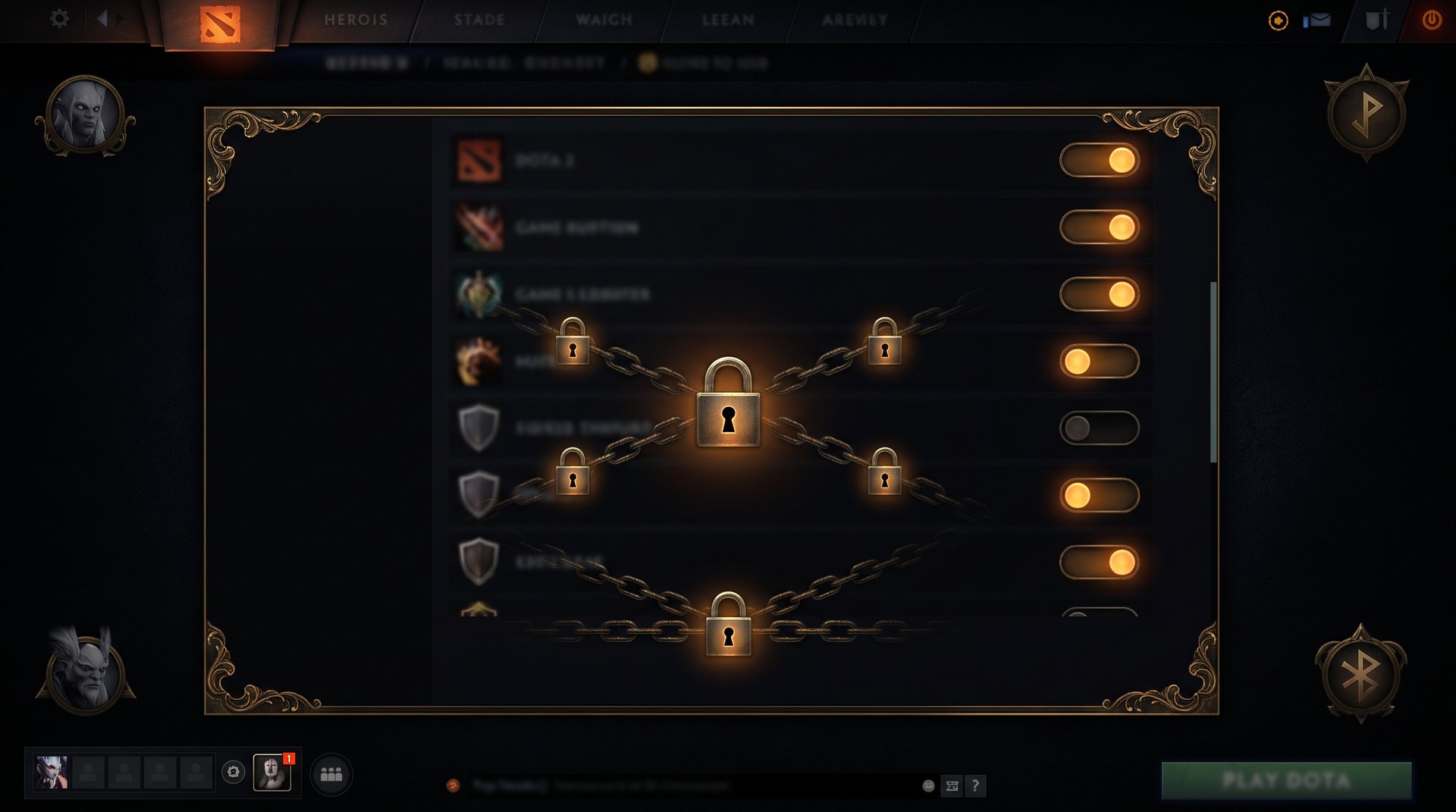
Step-by-Step: Hide Your Rank In-Game
This is the official Valve-provided option. It is designed for situations where you do not want teammates or opponents to see your MMR badge during pre-game or post-game screens.
Steps to hide your Dota 2 rank and match data
- Open Dota 2 and go to the main menu.
- Click the gear icon (Settings) in the top-right corner.
- Select the Social tab.
- Find the option labeled “Expose Public Match Data”.
- Toggle it OFF (the switch turns grey/inactive).
- Confirm the change — it takes effect on your next game.
When this setting is off:
- Your rank badge does not appear on the profile screen inside the Dota 2 client.
- Other players cannot check your match history from inside the game.
- Your profile shows as private when someone clicks your avatar in the post-game screen.
- Your recent hero stats and win rates are hidden in the in-client profile.
What it does NOT hide in-game
The in-game toggle has limits that many players do not realize until after a ranked game:
- Your nickname is still visible to teammates and opponents during the match.
- Your hero pick is visible in the draft phase — that never changes.
- Your behavior score is not hidden by this toggle.
- If you are on the Immortal leaderboard, your rank position is still publicly visible (more on this in the leaderboard section).
Steam Privacy Settings — The Missing Layer
Even with Dota 2’s in-game toggle off, third-party sites can still see your games if your Steam game details are public. This is because sites like Dotabuff pull data from Valve’s public API, which uses your Steam privacy settings — not the Dota 2 in-client toggle.
How to set your Steam game details to private
- Open your web browser and go to steamcommunity.com.
- Click your profile name (top right) and select View my profile.
- Click Edit Profile.
- Select the Privacy Settings tab.
- Find “Game details” in the list.
- Change it from “Public” to “Private” (or “Friends Only” if you prefer selective visibility).
- Save changes.
| Steam Privacy Level | Who Sees Your Games | Dotabuff/OpenDota Access |
|---|---|---|
| Public | Everyone | Full access — all matches visible |
| Friends Only | Steam friends only | Blocked for non-friends (most tracker users) |
| Private | Only you | Completely blocked |
Setting game details to Private is the most effective way to stop third-party tracking. Within a few hours of flipping this switch, Dotabuff and OpenDota will show your profile as private and stop updating your match history.
Does Hiding Affect Dotabuff and OpenDota?
Yes — but with a catch. Third-party trackers store historical data they already collected before you went private. Here is what happens to your existing data when you switch to private:
- New matches: No longer tracked once game details are set to Private. Immediately effective.
- Old matches: Already-recorded matches remain visible on Dotabuff and OpenDota. These sites do not delete data retroactively.
- Win rate, hero stats, MMR history: The old data stays. Only new data stops updating.
Dotabuff-specific privacy options
Dotabuff has its own privacy layer on top of Steam settings. If you have a Dotabuff Plus account, you can request profile removal or set your profile to “Private” directly on their site. Without a Plus account, the primary control is the Steam game details setting described above.
OpenDota lets you request data deletion from your profile page without needing a paid account. After deletion, new matches will still not appear if your Steam game details are set to Private.
Does Hiding Your Rank Affect Matchmaking or MMR?
No. This is the most important point to understand: hiding your rank badge does not change your MMR or affect how matchmaking works.
Valve’s matchmaking system uses your internal MMR number to find opponents and teammates. That number exists in Valve’s backend and is completely separate from whether you have chosen to display it. The rank badge you hide is just a visual representation — hiding it does not touch the number underneath.
| Action | Changes Your MMR? | Changes Matchmaking? | Changes What Others See? |
|---|---|---|---|
| Turn off “Expose Match Data” | No | No | Yes — in-client profile hidden |
| Set Steam game details to Private | No | No | Yes — third-party trackers blocked |
| Set Steam profile to Private | No | No | Yes — full profile hidden |
| Recalibrate at season start | Resets display rank | Recalculates bracket | New rank shown after calibration |
You will still be matched against players at your actual MMR level regardless of privacy settings. Hiding your rank is purely cosmetic and does not give you any matchmaking advantage or disadvantage.
Some players worry that going private might flag their account or affect behavior score — it does not. Valve explicitly built the privacy toggle as a standard feature; using it has no penalty of any kind.
Limits of Privacy — The Immortal Leaderboard Exception
If you play in the Immortal bracket and appear on the regional leaderboard, your rank and approximate MMR are publicly visible regardless of your privacy settings. The Immortal leaderboard is a public record by design — Valve intentionally keeps top-ranked players visible as part of the competitive prestige of the bracket.
What this means in practice:
- Players ranked in the top ~5,000 Immortals for their region appear on the public leaderboard at dota2.com/leaderboards.
- Your leaderboard rank and the approximate MMR range it implies are public information.
- The in-game privacy toggle will still hide your full match history and detailed stats from the in-client view.
- Steam privacy settings will still block third-party trackers from updating your match-by-match data.
- But your existence on the leaderboard and your leaderboard rank number cannot be hidden.
For players below Immortal — Herald through Divine — full privacy is achievable through the methods described above. The leaderboard exception only applies to those in the public ranking pool.
Why Players Hide Their Rank in 2026
Privacy settings exist for good reasons, and the player community uses them in several distinct situations:
Avoiding toxic behavior before the match
One of the most common reasons is preventing what the community calls “profile checking” — where a player on your team checks your match history before the game starts and uses low win rate, recent losses, or a weak hero pool as an excuse to flame before a single creep spawns. Going private cuts this off at the source. You are no longer giving people ammunition to tilt your team in the drafting phase.
Professional and semi-professional practice
Pro players and coaches routinely use private profiles when playing on main or practice accounts. Playing anonymously for practice is common at the highest levels, and going private prevents the opposing team from knowing who they are facing before the game starts. This is standard practice across competitive gaming.
Recovering from a rough patch
Every player goes through periods where their win rate tanks — bad meta reads, IRL stress bleeding into games, or just running into a rough patch of teammates. Going private during these stretches means your Dotabuff profile does not permanently showcase the tilt. You can recover, build your win rate back up, then go public again if you want.
Privacy after MMR boosting
Players who have used an MMR boosting service sometimes go private to avoid questions about the jump in their rank. If you recently boosted your account and want to play at the new bracket without your history being scrutinized, privacy settings let you start fresh in terms of what others can see.
If you are thinking about this route, it is worth reading about whether Dota 2 boosting is safe first — understanding what the risks actually are versus what the community myths say. If you are using a reputable Dota 2 boosting service, the risk profile is very different from using random unvetted services.
Avoiding stream snipers
Streamers who play ranked are frequent targets for stream snipers who look up their account before entering the queue. Going private removes the detailed match data that snipers use to anticipate hero picks and strategies. Combined with a small stream delay, it makes stream sniping significantly harder.
Just not wanting the scrutiny
Some players simply do not want their rank and win rate as public information. That is a completely valid reason. Dota 2 is a game — not a performance review. If playing without the pressure of public accountability makes the game more enjoyable, the privacy setting is there exactly for that.
What to Do When Privacy Is Not Enough
Privacy settings hide what others see. They do not change the underlying MMR number itself. If your rank is the actual problem — you are stuck in a bracket that does not reflect your current skill, or you want to climb faster than solo grinding allows — then hiding it is not really a solution.
You can also look at the other side: if a teammate is checking your history before a match, you might want to do the same. Understanding how to check a teammate’s MMR — and why Valve makes that process deliberately difficult — is useful context for understanding what your teammates can actually see about you even with privacy on.
For the rank itself, the two main options players use are grinding solo (slow, team-dependent) or using a professional boosting service. If you are at a bracket where solo queue improvement feels impossible, working with a high-MMR booster through a reputable service is a direct path to the bracket where you can actually develop further.
TeamSmurf is a Dota 2-only service — every booster is vetted at high MMR and plays on your account directly. The result is a real rank change, not a temporary spike. If coaching is more your style, we have coaches at every bracket who can work through your specific weaknesses and give you the tools to climb on your own.
Your Rank Does Not Have to Stay Low
If you are hiding your rank because it is lower than your actual skill level — or because recent games went wrong and tanked your MMR — TeamSmurf can fix the number, not just mask it.
We are a Dota 2-only boosting and coaching service. Every booster is a high-MMR specialist. You keep your account, and we move the bracket.
Boost My MMR Get Coaching Instead