Do Dota 2 Boosters Use VPNs? Region Matching Explained

When you order a Dota 2 MMR boost, your account ends up in the hands of a professional booster somewhere in the world. That raises a fair question: what happens if that booster is physically located in Russia but your account normally plays on the US East server? Does the booster connect directly from their region and tank your ping-based reputation? Do they use a VPN? And how do reputable services actually handle region matching?
This guide breaks down exactly how Dota 2 booster region matching works, when VPNs enter the picture, what risks exist, and what questions you should ask any service before handing over your login credentials. If you have already been wondering whether region mismatch will create problems on your account, read this before you order.
In This Guide
Why Region Matters in Dota 2 Ranked
Dota 2 separates its ranked player pool by region. When you queue for ranked, the matchmaker primarily looks for players in your selected server region — US East, US West, EU West, EU East, Southeast Asia (SEA), South America, Russia, and so on. Your account history, your ping to that server, and your behavioral patterns are all associated with specific server clusters.
Region matters for two distinct reasons when it comes to boosting.
Reason 1: Queue Time and Match Quality
If a booster connects from the wrong continent without any routing fix, they will experience extremely high ping to your home server. A booster in Southeast Asia connecting directly to US East will deal with 200-350ms latency. At that level, the booster’s mechanical performance degrades significantly — timing on stuns, last hits, and blink initiations all suffer. A booster who normally plays at 8,000 MMR on SEA could play like a 5,000 MMR player on a US East server at 300ms ping. This is not hypothetical; high latency directly limits what a player can execute.
Beyond personal performance, the Dota 2 matchmaker uses historical data. If your account suddenly starts connecting from an IP address associated with a different continent at unusual hours, the matchmaker’s behavioral profiling system notices. This does not automatically result in a ban, but it is a data point that accumulates alongside others.
Reason 2: Account Security Flags
Valve’s Overwatch-adjacent review systems and third-party detection tools used by some platforms flag unusual login geography. If your account has 2,000 hours on US East and suddenly shows a login from Minsk, Belarus followed immediately by a ranked game on the US East server, that inconsistency is the exact kind of signal that account security systems are designed to catch. Steam’s own login notifications will also alert you — and Valve — to unfamiliar IP addresses.
This is why region matching is not just a performance consideration. It is a security consideration that directly affects how safe your boosting experience is.
Do Boosters Actually Use VPNs?
Yes, but not universally and not in the way most players assume. The reality is more nuanced than “boosters always use VPNs” or “boosters never use VPNs.”
The Three Main Approaches
Professional boosting services use one of three methods to handle the geographic mismatch between a booster’s physical location and a client’s home server:
Method 1 — Geographic booster matching. The service maintains a pool of boosters spread across multiple regions. When an order comes in from a US East client, the service assigns it to a booster who is physically located in North America. No VPN required. This is the cleanest, most reliable approach. The booster plays from their own region’s IP, the ping is low, and there is no login geography anomaly.
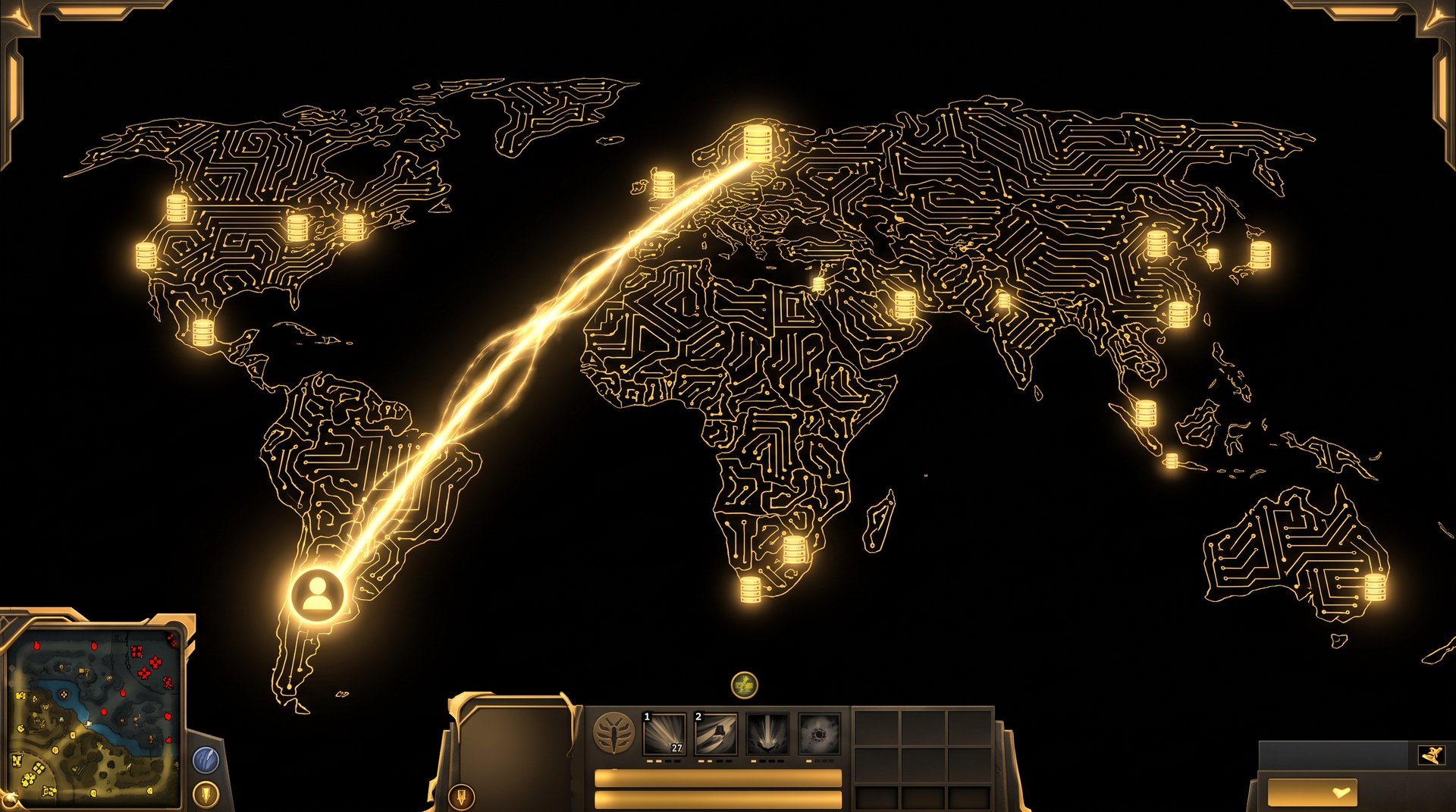
Method 2 — VPN with region-exit IP. The booster uses a commercial or private VPN that provides an exit node in the target region. A booster in Eastern Europe connects through a VPN exit node in New York, and Dota 2 sees a US IP address. Steam’s login system sees a US IP. This is functional but carries risks we will discuss in detail below.
Method 3 — Residential proxy or RDP. More sophisticated setups use a residential IP service (not a datacenter VPN) to route the connection through an actual home internet connection in the target country, or a Remote Desktop Protocol session on a physical machine located in the target region. This is significantly harder for automated systems to flag compared to a standard datacenter VPN, but it adds latency layers and cost.
Why Cheap Services Often Skip Region Matching Entirely
Budget boosting operations on Fiverr, Discord marketplaces, and unverified platforms frequently skip region matching because it adds operational cost. Maintaining a geographically distributed booster pool requires either paying boosters in multiple countries or maintaining VPN infrastructure. Neither is free. The result is that low-cost operations often have boosters play from their native region with no IP masking at all.
This creates the exact account security risk that experienced players worry about. Your US account shows a login from Ukraine, plays 20 games, then shows you logging back in from California. That pattern is clearly visible in Steam’s account activity logs.
How Professional Services Handle Region Matching
Reputable services that have been operating for years have built workflows specifically to address this problem. Here is how a well-run operation handles region matching end-to-end.
Booster Pool Structure
A properly organized boosting service maintains active boosters in each major Dota 2 server region. The operational requirement is straightforward: before accepting an order, the service confirms that a booster is available who either (a) is physically located in the client’s region, or (b) has verified connectivity to that region’s server with acceptable ping via a reliable routing method.
For major regions like US East, EU West, and SEA, finding native-region boosters is not difficult because those regions have large player bases. For niche regions like South America, Oceania, or South Africa, maintaining native boosters is harder, and services that claim to cover every region equally are often exaggerating.
The Role of Offline Mode
Many boosting services pair region matching with offline mode to reduce Steam’s geographic login tracking. When a booster uses Steam’s offline mode (or appears offline to your friends list), it reduces the visibility of login events to other users, though it does not affect Valve’s server-side logs. Region matching through IP routing is still necessary — appearing offline to friends does not hide the IP address from Steam’s backend.
Credential Handling and Session Security
The way a service handles your login credentials also affects how region mismatches appear in your account history. Some services ask for your full Steam login and password. Others use a dedicated boosting client that connects through a shared session. The latter is operationally more complex but leaves fewer anomalous login traces in your Steam guard history.
When you use a service that accesses your account through standard credentials, Steam’s guard system will generate mobile authenticator notifications every time a new IP logs in. If you have Steam Guard active and the booster is playing from a properly matched IP, those notifications will look like normal activity. If the IP is clearly foreign, every login generates a suspicious login alert that adds to your account’s anomaly history.
VPN Risks and Detection in Dota 2
VPNs are not automatically dangerous for boosting, but they carry specific risks depending on how they are implemented.
Datacenter VPNs vs. Residential IPs
When a booster uses a major commercial VPN provider (ExpressVPN, NordVPN, etc.), the exit IP address comes from a datacenter, not from a residential internet connection. These IP ranges are publicly available and widely used in security threat databases. Platforms that check IP reputation will flag these addresses as “proxy/VPN” regardless of their geographic location.
A residential IP — whether from a residential proxy service or from a physical machine in the target region — looks like a normal home internet connection. It has no VPN flag in IP reputation databases. This is why professional operations that invest in proper infrastructure prefer residential routing over commercial VPNs.
What Valve Actually Detects
Valve’s anti-cheat systems (VAC and Overwatch) focus primarily on in-game behavior: unusual accuracy patterns, impossible actions, scripts, and macro usage. VAC does not directly detect VPN use. The detection vector for VPN-related bans is almost always indirect:
- Account sharing detected through unusual gameplay patterns combined with geographic anomalies
- Steam Guard violations triggered by repeated suspicious logins from unfamiliar IPs
- Overwatch reports from players who notice the account’s behavior pattern changed suddenly
- Payment or account security violations triggered by Steam’s fraud systems, not Dota’s anti-cheat
In practice, a skilled booster using a properly matched IP — whether native or through residential routing — rarely triggers any of these flags.
The Latency Problem Revisited
Even with a geographically correct VPN exit node, VPN routing adds latency. A booster in Eastern Europe connecting through a VPN exit node in New York will have better ping than a direct connection (which would route across the Atlantic twice), but still worse ping than a booster physically located in New York. The VPN adds 10-30ms of overhead depending on the provider’s routing efficiency.
For most game genres this is irrelevant. In Dota 2 at high MMR, 30ms can be the difference between landing a perfectly timed disable or missing the window. Boosters who are used to playing at 10ms ping will notice the degradation. This is another reason why native-region booster pools produce the cleanest results.
Region Coverage: What the Booster Pool Landscape Looks Like
| Region | Availability of Native Boosters | Typical Approach by Reputable Services | Risk Level Without Matching |
|---|---|---|---|
| US East / US West | High | Native booster or residential US IP | High — clear geographic anomaly if skipped |
| EU West | High | Native booster (Western Europe) | Moderate — EU IPs are spread across many countries |
| EU East / Russia | Very High | Native booster (largest booster population) | High if playing on EU West or US servers |
| Southeast Asia | High | Native booster (SEA, Philippines, Indonesia) | High — SEA to US latency is extreme without routing |
| South America | Moderate | Mix of native and VPN-routed | Moderate — smaller booster pool |
| Oceania | Low | Often VPN-routed from SEA or US | Low — Valve’s AU server player base is small |
| South Africa | Very Low | VPN-routed from EU or residential proxy | Low — server is newer, smaller player pool |
The table above reflects the current reality across the boosting industry. If you are ordering for US East, EU West, or SEA, reputable services have no shortage of native-region boosters. If you are ordering for Oceania or South Africa, you should specifically ask how the service handles region matching for those servers before you pay.
What to Ask Your Boosting Service Before Ordering
Region matching is one of those details that separates professional operations from fly-by-night Fiverr sellers. Most customers never ask about it, which is exactly why low-quality services get away with ignoring it. Here are the five questions worth asking before you hand over account access:
1. Do you have boosters physically in my server region?
The gold standard answer is “yes, we have boosters in [your region].” If the response is vague (“we have ways of making it work”) or defensive, push for specifics. A service confident in its infrastructure will give you a direct answer.
2. How do you handle region matching if no native booster is available?
Reputable services will explain their fallback — residential IP routing, waiting for a native booster to become available, or adjusting the order queue. An honest service would rather delay an order than compromise your account security.
3. What IP type is used — datacenter VPN, residential, or native connection?
This question reveals how sophisticated the operation is. A service that can answer this specifically has thought carefully about account security. One that says “we use VPN” without further detail is likely using cheap commercial VPNs with datacenter IPs.
4. Will my Steam Guard generate alerts?
If you have Steam Guard configured, ask whether the service can prevent unfamiliar IP alerts. A native-region booster or properly set residential IP will still trigger Steam Guard if it has never been used before — the first login always does. But subsequent logins from the same IP will not. This tells you whether the service plans to use a consistent IP or a rotating VPN pool (rotating IPs generate constant Steam Guard alerts).
5. What is your policy if region matching causes a problem?
Look for a refund or reorder guarantee if something goes wrong due to region-related issues. A service that takes region matching seriously will stand behind its process.
How TeamSmurf Handles Region Matching
TeamSmurf focuses exclusively on Dota 2. That specialization means we have invested in a booster pool that covers the major Dota 2 server regions properly — we are not trying to spread our boosters across 40 different games and every possible region simultaneously.
For orders on US East, EU West, EU East/Russia, and SEA — which account for the vast majority of Dota 2 ranked players — we use boosters who are native to or have verified low-latency access to those servers. We do not route US East orders through boosters who are sitting in Eastern Europe at 200ms ping.
For less common servers, we are transparent about our approach. If there is a wait for a native-region booster or if we need to use verified residential IP routing, we tell you that upfront. We would rather delay an order by a few hours than rush it with a poorly matched booster.
When you look at the comparison of top Dota 2 boosting services, one of the clearest differentiators is exactly this: whether a service is transparent about booster geography and has a real answer when you ask. Many services on that list either do not address region matching at all or give deliberately vague answers.
For accounts playing in regions where we do use VPN routing as a secondary method, we use residential IP services — not datacenter VPN providers — specifically to avoid the IP reputation flags that standard commercial VPNs trigger. The technical difference matters and the operational cost is higher, but the account safety outcome justifies it.
If you want to understand what a proper boost looks like end-to-end before ordering, our complete MMR boosting guide walks through every step of the process from placing the order to receiving your boosted account, including how booster assignment works.
Transparency as a Security Feature
There is a meaningful signal in how much information a boosting service volunteers about its technical operations. A service that explains its region matching methodology, describes its IP routing approach, and is willing to answer specific questions is one that has actually thought through the security implications. A service that deflects these questions or responds with vague reassurances is one that is hoping you do not ask.
Account security starts at order placement, not at game start. The moment you share your credentials, the boosting service’s technical infrastructure becomes your account’s security posture. Choosing a service that takes region matching seriously is one of the most concrete ways to reduce your risk.
What About Duo Boost — Does Region Matching Change?
In a duo boost, you play alongside the booster in the same party. This eliminates the account sharing concern entirely since you are logged into your own account. However, region matching still matters for the booster’s performance: a duo booster at 300ms ping is still impaired mechanically, which means the win probability for your duo queue is lower than it should be.
For duo orders, ask whether the assigned booster’s server latency to your region is below 60ms. That is a reasonable threshold for high-level play. Boosters with 60ms or less will perform close to their native-region level. Above 80ms, you will notice degradation in their mechanical execution.
How Region Matching Intersects With Account Calibration
If you are ordering a boost that includes calibration games — for example, after a season reset — region matching becomes even more important. Calibration games use your recent match history to anchor your MMR. If those games are played with unusual connection patterns or inconsistent regional behavior, the calibration outcome can be noisy. A region-matched boost produces a cleaner calibration history because every game looks like a normal session from your account’s perspective.
This is especially relevant for returning players who are recalibrating after a long break. Your account has historical regional data. Calibration matches that deviate from that history introduce variance. Region-consistent boosting keeps your calibration trajectory predictable.
The Offline Mode and Region Matching Combination
The most privacy-conscious boosting sessions use both offline mode and proper region matching together. Offline mode hides your in-game activity from your Steam friends list, while region-matched IPs ensure that Steam’s backend and Dota’s matchmaking see geographically consistent behavior. Neither approach alone is as effective as using both together.
Offline mode by itself does not protect your account if the booster is connecting from a mismatched region — the geographic anomaly is still visible in your Steam login history even if your friends cannot see you playing. Conversely, region matching alone does not hide your activity from friends who may notice you suddenly improved dramatically or are online at unusual hours.
The combination makes the session look completely normal: the right geography, the right server, and no visibility on your friends list.
When you order a Dota 2 MMR boost from TeamSmurf, both of these features are part of the standard process — not an upsell or a premium option. They are baseline requirements for professional boosting.
Frequently Asked Questions
Ready to Boost With Proper Region Matching?
TeamSmurf handles region assignment as part of every standard boost — no upsells, no vague promises. We match your server, your region, and your play hours so the session looks exactly like normal account activity.
Order Your MMR Boost Compare Services First