


Dota 2 Conduct Summary Explained: How to Read It, What Each Line Means, When It Updates

Your Dota 2 conduct summary sits one tap away on your profile, yet most players have never actually read every line — they glance at the big number, panic or celebrate, and close the screen. That is a mistake. Each row in that panel tells you something different about how Valve’s system sees your recent play, and understanding what each line actually measures is the first step toward changing it.
This guide walks through every section of the conduct summary: what the screen looks like, what each metric tracks, exactly when the numbers update, and what you can do to push each one in the right direction. If you have landed here because your behavior score is already in trouble and you want to understand your situation before deciding on next steps, read the full breakdown — the mechanics are less punishing than most players assume once you know the rules.
What’s on this page
What the Conduct Summary Screen Actually Is
The conduct summary is Valve’s per-player behavior report card. It is not your permanent record — it is a rolling snapshot covering roughly your most recent 15 to 25 matches, depending on the metric. Think of it as a moving window: games older than roughly a month of active play drop out of the calculation as newer ones roll in.
The screen lives inside your Dota 2 profile. It is separate from your MMR card, your hero stats, and your match history. Valve designed it specifically so that players could see the input signals feeding their behavior score rather than just seeing a single opaque number go up or down. The intent is transparency: if your score dropped, at least one line on this screen explains why.
The conduct summary does two things at once. First, it is informational — it shows you the raw data Valve collected about your recent behaviour. Second, it is causal — high numbers in certain rows directly lower your behavior score, while positive data in other rows can raise it. Every line is both a readout and a lever.
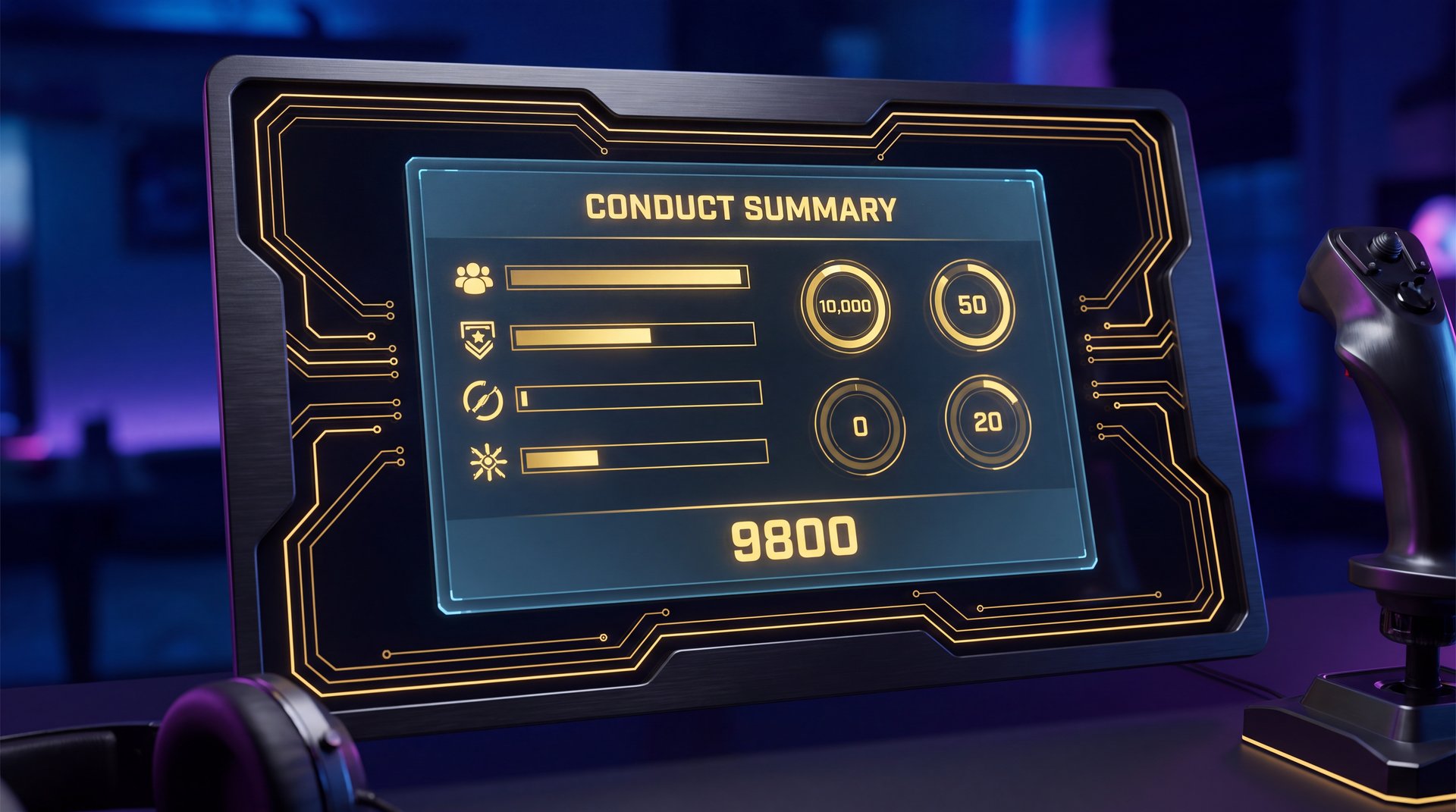
How to Open Your Conduct Summary
From the Dota 2 main menu, click your profile portrait in the top-left corner to open your profile page. On the profile page, look for the “Conduct Summary” tab or button near the top of the panel. On some UI builds it appears as a shield icon or a report icon next to your name — the exact placement has shifted across updates, but it is always within the first screen of your profile.
You will see a panel divided into several labelled rows, each showing a numerical value and — in some cases — a small indicator showing whether the number is better, worse, or the same compared to your previous window. The big number at the top or to the side is your behavior score. Everything below it is the data that produced that score.
The Behavior Score Number
The behavior score is the top-line figure ranging from 0 to 12,000. It is Valve’s composite rating of your conduct and is the direct input to matchmaking placement. Players with lower behavior scores are matched with each other in the same pool; players with scores above roughly 9,000 to 10,000 tend to end up in cleaner lobbies with fewer reports and lower abandon rates.
The score is not calculated fresh from scratch each time — it updates incrementally based on the signals from your recent games. A single game almost never moves the number dramatically. What moves it are patterns: multiple reports across several games, or several clean games with commends, shift the number noticeably.
Most players who play fairly and do not feed, abandon, or chat-abuse sit naturally in the 8,000 to 11,000 range. Scores above 11,500 are somewhat uncommon and indicate a sustained clean record. Scores below 5,000 start to come with queue restrictions and matchmaking changes. Scores below 2,000 to 3,000 can trigger low-priority assignment.
For more detail on the full scoring model, thresholds, and how the number interacts with ranked access, read our complete Dota 2 behavior score guide.
Reports Received
The “reports received” line shows how many times other players flagged your account during the current conduct window. Each report is tied to a specific category: the reporter must choose from options like “Intentional Ability Abuse,” “Communication Abuse,” or “Intentional Feeding” when submitting the report. Valve’s system does not treat all reports equally — reports that match a pattern of other reports carry more weight than isolated one-offs.
One or two reports in a window of 15 games is not unusual and will not tank your score on its own, especially if the reporters themselves have poor conduct records. Valve de-weights reports that come from accounts with low behavior scores or accounts with a history of over-reporting. A flood of reports, or reports from players with clean records, has a more significant effect.
What actually matters is the ratio. Three reports across 20 games is a very different signal from six reports across eight games. The system looks at intensity as well as absolute count. If this number is regularly in the 4 to 6 range per window, your score is almost certainly declining even if it does not look dramatic right now.
What a high reports-received number actually means
Before assuming you were unfairly mass-reported, it is worth asking honestly whether your recent play gave opponents or teammates any legitimate reason to report. Common triggers include: buying items that deliberately reduce your contribution (like a carry buying support items to grief), refusing to participate in team fights, using communication to insult teammates, or idling in fountain. All of these generate legitimate reports that the system will weigh accordingly.
If you genuinely believe you were mass-reported unfairly after a hard carry game or a controversial draft, the best response is to play clean games forward. False reports from salty players decay out of the window naturally; the system is designed to resist coordinated abuse from low-credibility accounts.
Reports Available
The “reports available” line shows how many reports you currently have in your own pool to give to other players. This is a resource, not a punishment — having fewer available means you have been actively reporting recently. Having zero means you have used them all up and need to wait for them to regenerate.
Every Dota 2 account gets a limited number of reports per period. The exact number is not publicly documented by Valve — community research suggests it is around 3 to 5 reports per week, with the count refreshing on a weekly cycle. Accounts with high behavior scores receive more reports to give, as a reward for clean play.
This number has no effect on your own behavior score. It is purely informational — it tells you how much reporting capacity you have left. If you see zero here and a toxic player in your game, you will need to mute them instead. See our guide on how to mute players in Dota 2 for the full breakdown on muting chat, voice, and pings.
Commends Received
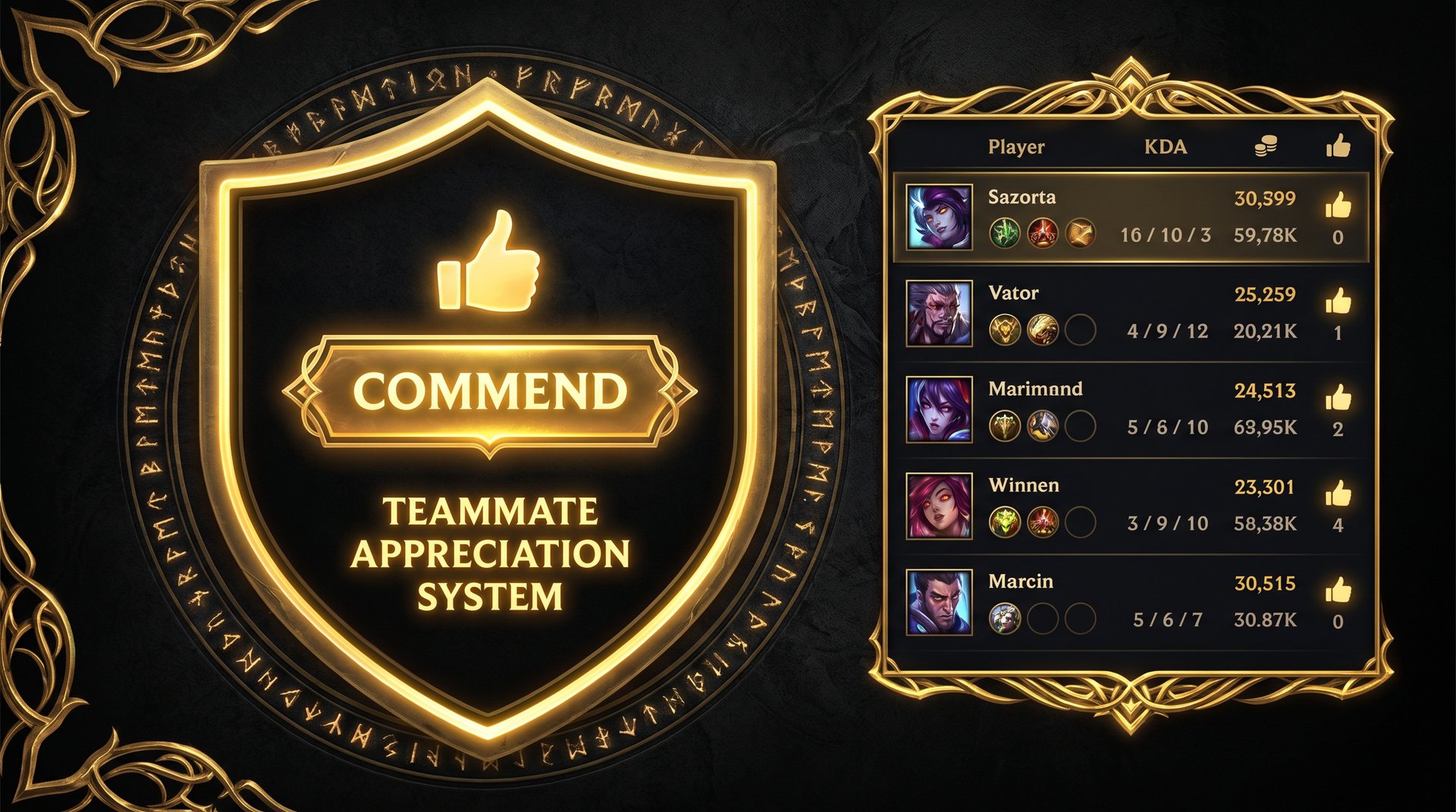
Commends are the positive counterpart to reports. At the end of every match, you can commend teammates and opponents you enjoyed playing with. The “commends received” line shows how many you got in the current conduct window.
Commends raise your behavior score. They also counteract the negative pressure from reports — a window with two reports and four commends looks very different to Valve’s system than a window with two reports and zero commends. If you are trying to recover a damaged score, actively playing in a way that earns commends is one of the most reliable methods.
Players can commend for different qualities: Friendly, Forgiving, Leadership, and Teaching. All categories count equally toward your behavior score. The “Forgiving” commend specifically matters for people recovering from low scores — getting commended for forgiving behavior signals that even when things went wrong in game, your teammates felt you handled it well.
Why some players get commended more than others
Commend rates vary significantly by role. Supports who save carries with clutch heals or disables get noticed and commended at higher rates than passive heroes that stay out of the action. Players who type positive things in all-chat (“gg wp”, “nice!”, acknowledging a good play) get commended more often. Being the person who breaks tension in a tilted lobby with a calm message gets you commended.
None of this requires being fake or ignoring bad plays. It just means that when you do communicate, keeping it constructive pays a measurable dividend in your conduct summary.
Abandon Count
The “abandon count” line is one of the most impactful rows on the conduct summary. An abandon is recorded when you disconnect from a game and do not reconnect before the match ends, or when you spend too long disconnected even if you do eventually return. It also counts if you intentionally leave via the “Disconnect” button after the safe-to-leave window has closed.
A single abandon in a window is typically survivable for your score. Two abandons in the same window creates noticeable downward pressure. Three or more abandons in a short period is one of the fastest ways to tank a behavior score and is the primary trigger for low-priority assignment.
Low priority means your next N matches must be played in a dedicated low-priority queue using only All Pick, against other players who have also been placed there. It is not a ban, but it is deliberately unpleasant — long queues, chaotic games, and teammates who may themselves be serving low-priority time. Getting out requires completing the required number of wins, not just games.
| Abandon Count in Window | Typical Consequence | Recovery Difficulty |
|---|---|---|
| 1 abandon | Minor score pressure, no LP | Low — a few clean games |
| 2 abandons | Noticeable score drop, LP risk | Medium — clean streak needed |
| 3+ abandons | Low priority assignment likely | High — LP games + clean record after |
| Repeated pattern | Matchmaking ban possible | Very high — ban appeal required |
The safe-to-leave window is relevant here. If a teammate abandons early in a match, Valve typically marks the game as safe to leave for the remaining players after a short delay. Leaving during this window does not count as an abandon on your record. The conduct summary reflects this correctly — abandons during safe-to-leave windows are filtered out.
If your abandon count is high due to genuine connection issues or power outages, the advice is the same as for any other metric: play forward and let clean games replace the bad window. If you are experiencing persistent disconnects, fixing the connection problem is more useful than any in-game strategy.
Language Abuse Reports
The “language abuse” line tracks reports specifically made in the “Communication Abuse” category, which covers chat messages and voice communication that other players found offensive or abusive. This is separate from the general reports count — it is a specific sub-metric for verbal conduct.
Language abuse reports carry particular weight in Valve’s system for a practical reason: they are easier to verify. Valve can review chat logs when assessing a report, and a pattern of abusive language across multiple games creates a clear paper trail. General reports like “intentional feeding” require inferring intent from match data; language abuse reports can be checked against the actual text.
Repeated language abuse reports can result in a communications ban, which restricts you to a limited number of text messages per game for a set period. A comms ban does not prevent you from playing normally, but it does prevent you from communicating freely, which can affect your ability to call out rotations or coordinate. Losing communication in ranked games is a meaningful handicap.
What triggers a language abuse report
Typed abuse in all-chat or team-chat is the most common trigger. Slurs, targeted harassment of specific players, and sustained negative commentary about a teammate’s play all generate reports in this category. Voice abuse is harder to track but does get reported and in some cases is reviewed through Steam’s reporting tools.
The practical fix is simple: mute players who are tilting you before you respond in kind. Every time you choose not to type an angry message, you reduce your risk of a language abuse report. The mute guide covers exactly how to remove someone from your game experience in two clicks so you can focus on your own play.
When the Conduct Summary Updates
The conduct summary does not update in real time as you play. It updates on a delayed batch cycle, and the exact timing confuses a lot of players. Here is the actual mechanic:
The data refreshes approximately every 15 to 25 matches played, not after every single game. Valve processes conduct data in batches. This means you can play five games in a row with no reports, check your summary immediately after, and see no change — because the batch has not processed yet. Conversely, your score can drop visibly after a single session if that session completed a processing batch containing some high-report games from earlier.
There is also a distinction between the conduct summary display updating and your actual behavior score changing. The behavior score can shift after each batch, but the displayed numbers on the summary screen refresh on their own schedule. Do not assume that the numbers you see are exactly current — they reflect the last completed processing batch, which may be a day or two behind your actual recent games.
| What Changes | Update Trigger | Visible Delay |
|---|---|---|
| Behavior score (actual) | Every 15-25 game batch | Hours to a day or two |
| Reports received count | Batch processing | Same batch cycle |
| Commends received | Batch processing | Same batch cycle |
| Abandon count | End of match + batch | Same batch cycle |
| Language abuse count | Report review + batch | May lag by extra cycle |
| Reports available | Weekly regeneration | Weekly reset |
The practical implication: checking your conduct summary every few games and expecting to see it move is frustrating and misleading. A more useful cadence is checking it once every week or two of active play. Changes over that horizon are meaningful; changes from session to session are often noise.
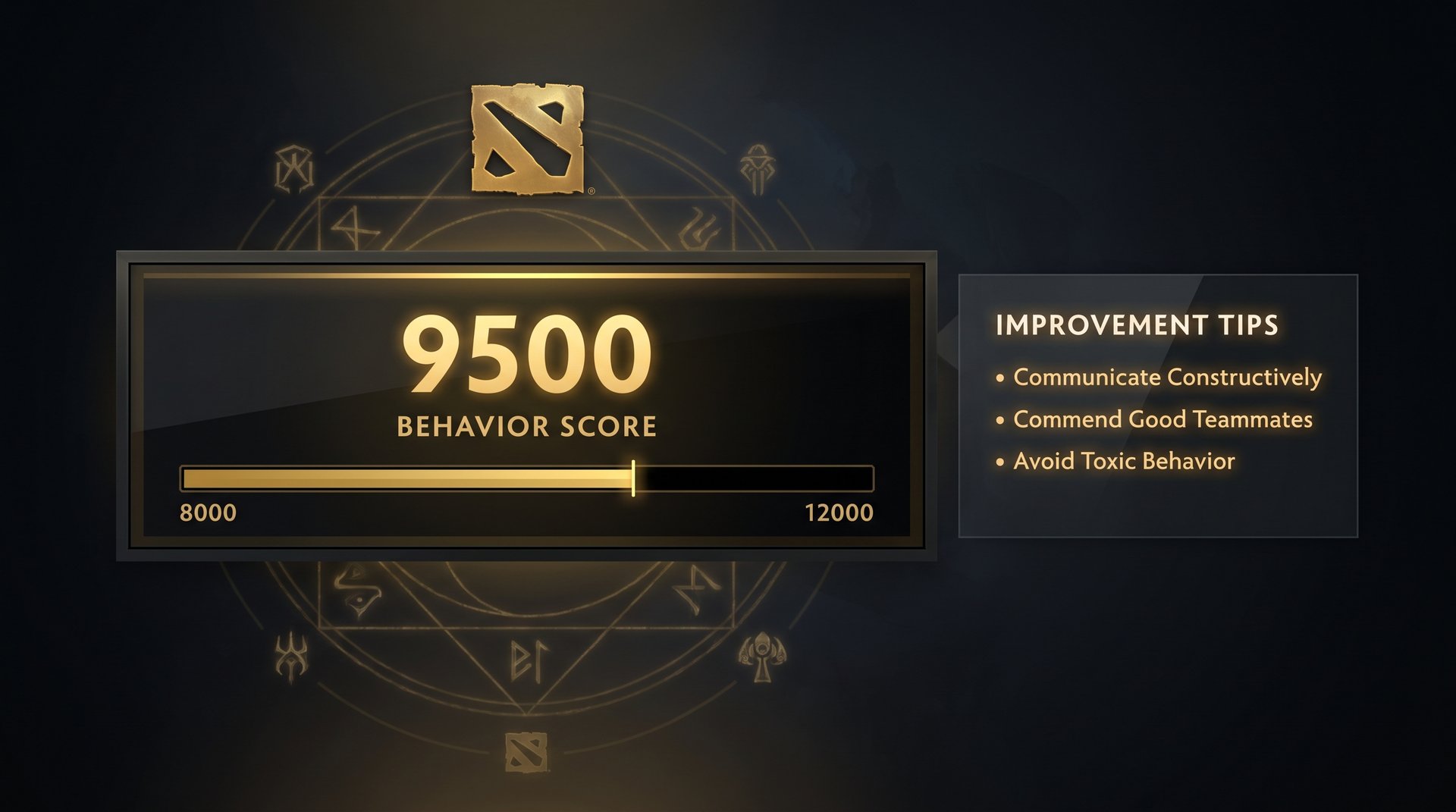
How to Improve Each Line on the Conduct Summary
Improving your conduct summary is not complicated, but it does require consistency over multiple sessions. Each line responds to specific actions.
Reducing reports received
The most direct way to reduce incoming reports is to play cooperatively and communicate positively. Beyond the obvious (do not grief, do not feed intentionally), there are specific habits that reduce reports:
- Call your decisions early. If you are taking a risky fight or rotating to a lane, type it briefly in chat. Teammates report less when they understand the plan, even if the play fails.
- Do not react to tilt. The game that ends your reporting streak is almost always one where someone was flaming you and you responded. Mute first, play second.
- Avoid non-standard item builds without explanation. An off-meta item that looks like griefing generates reports. If you are trying something unconventional, a brief “trying X because of their lineup” in chat prevents misreads.
- Last-hit efficiently. Intentional feed reports are partially triggered by low CS combined with frequent deaths. Clean up your fundamentals and the ambiguity disappears.
Building up commends received
Commends are earned, not farmed. Behaviour that consistently generates commends includes:
- Playing supports in a way that visibly saves teammates (well-timed stuns, heals at the right moment, courier micro)
- Calling shots in voice or text that actually work — players commend leaders who lead correctly
- Staying calm in losing games instead of blaming teammates
- Acknowledging good plays by opponents or teammates in chat
- Playing heroes that are perceived as team-oriented rather than selfish (this is perception bias, not game design — carries get commended less often even when they carry)
Keeping your abandon count at zero
Short of a genuine emergency, the only way to prevent abandons is to not leave games before they are over. Some practical steps:
- Check your connection stability before queuing for a ranked game
- Use the reconnect button instantly if you disconnect — even a two-minute return during the safe-to-leave window matters
- If you are about to leave due to real-life circumstances, type it in chat and say so — other players can request a GG-safe condition or the game may trigger safe-to-leave for everyone
- Understand the safe-to-leave window: if a teammate abandoned early and you see “safe to leave” in the UI, leaving will not count against you
Eliminating language abuse reports
One rule covers virtually all language abuse prevention: do not type or say anything in the game that you would not want Valve reading in a report review. The mute button exists for a reason. Use it proactively on players who you know are going to tilt you — mute before the problem starts, not after you have already typed something you regret.
Score Thresholds That Actually Matter
Not all behavior score levels have in-game consequences. Here is the real breakdown of where the thresholds sit:
| Score Range | Matchmaking Effect | Other Restrictions |
|---|---|---|
| 10,000 — 12,000 | Cleanest pool, best lobbies | More reports available to give |
| 7,000 — 9,999 | Normal ranked matchmaking | No restrictions |
| 4,000 — 6,999 | Mixed pool, more toxic lobbies | No formal restrictions, but quality drops |
| 2,000 — 3,999 | High-report pool | Ranked access may be restricted |
| 0 — 1,999 | Low priority pool | LP games required, ranked locked |
If your score has dropped into the 4,000 to 6,999 band, you are not in low priority but you are in a noticeably worse matchmaking environment. The lobbies at this level have more reports, higher abandon rates, and fewer communicative players. It becomes a self-reinforcing cycle: worse lobbies generate more reports, which lowers your score further. Breaking out requires sustained clean play across multiple sessions.
For players in the 2,000 to 4,000 range considering whether outside help is worthwhile, our guides on the best Dota 2 boosting services, the MMR boosting guide, and whether Dota 2 boosting is safe cover the options and their tradeoffs in detail. Coaching, in particular, addresses the root cause — a skilled coach can identify the specific habits generating your reports and help you replace them in a few sessions. See Dota 2 coaching options here.
Putting It All Together: Reading Your Conduct Summary as a Diagnostic
Think of the conduct summary as a health readout for your account, not a judgment on your character. Each line is a specific signal:
- High reports received + low commends: your play or communication is generating friction with teammates and opponents. Focus on the specific behaviours most likely causing reports before anything else.
- High reports received + high commends: you are probably tilting in some games but playing well in others. Consistency is the fix — bring your good-game behaviour into your bad games.
- Abandon count above zero: address connection or time-management issues before queuing ranked. One or two abandons in an otherwise clean window will not destroy a good score, but a pattern will.
- Language abuse count above zero: use the mute button more aggressively. This is almost always a habit problem rather than a fundamental issue with your play.
- Low reports available: you have been reporting actively, which is normal if you play a lot. Not a problem unless you need to report a genuine griefer and cannot.
If every metric looks clean but your behavior score is still lower than expected, the most likely explanation is that the window has not yet processed enough clean games to roll out the bad batch. Give it 10 to 15 more games and check again. The system is slow to move in both directions — that is a feature, not a bug. It prevents a single bad session from permanently marking your account, and it prevents a single good session from erasing a genuine pattern of poor conduct.
Frequently Asked Questions
Stuck in a Low Behavior Score Loop?
Getting trapped in the high-report matchmaking pool is one of the hardest cycles to break on your own. The lobbies are worse, which causes more tilt, which generates more reports, which keeps your score low. A TeamSmurf coach can review your recent games, identify the specific habits driving your reports, and give you a concrete plan to play your way out.